16. Press the blue button and the door should then open and close.
Now It Is time to set up Your Speeds & Basic Parameters
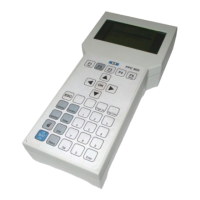
17. On the BDE Press then then
This will get you into the quick menu where you can adjust basic speeds
18. First Thing you will Notice is the Door open angle is not full.
Adjust the Open angle, open speed, close speed and Collision sensitivities according
to site conditions and BS 16005.
Fitting Activations
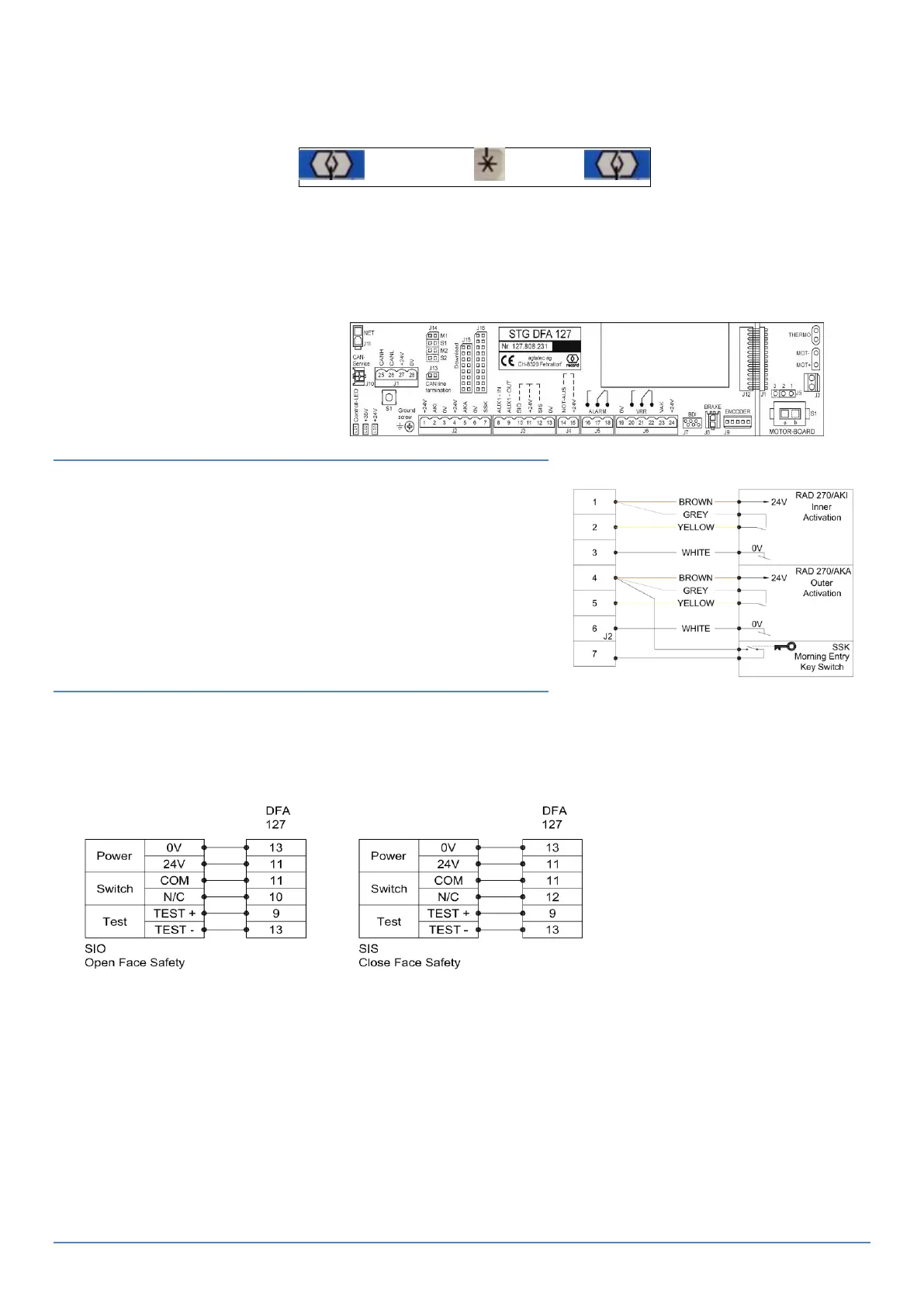
Wire your activation as per:
Test door in all operating Modes to confirm Activations
are working correctly
Fitting on Door Safety
1. If Fitting RC SWING Fast Install Sensors – PLUG & PLAY – See separate Quick Guide.
2. If Fitting others – Please refer to Diagram below :
If you are using Standard sensors – you need to turn the Test contacts on. (Aux Input –See
manual)



 To Next Page