Installation, Operation and Technical Manual Rectifier Technologies
158-1872-01 60 19-Feb-14
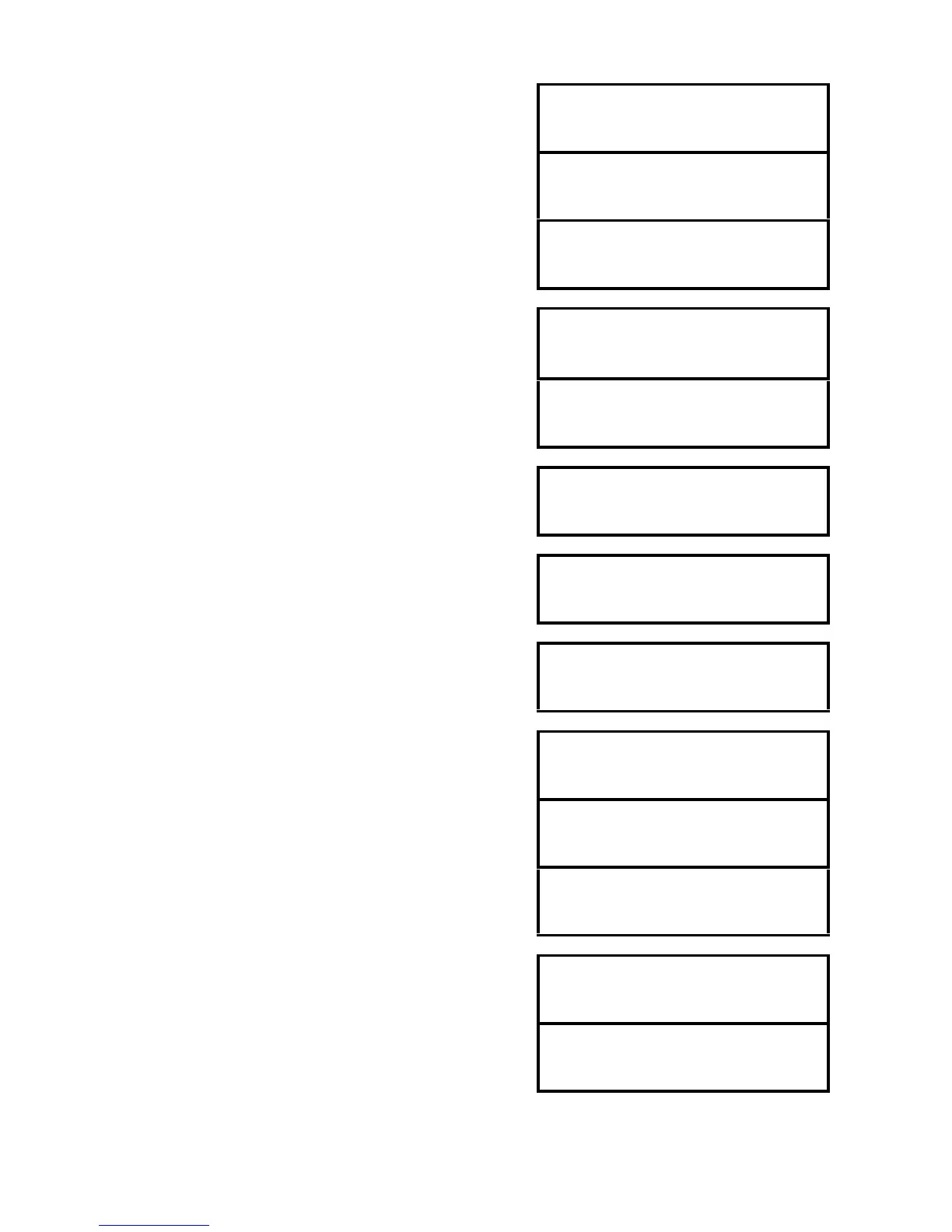
Entry point to Site Monitor sub-menu when this auxiliary is
switched On. If it is switched Off the next screen will be
shown and the rest of the menu items will be hidden.
Displayed when this auxiliary is switched Off.
Displayed when this auxiliary is switched On.
Level of Analog input 1. Press ENT to access alarm levels
and scaling factor. Flashing of the value text (in this case
‘Inv-V’) indicates that a threshold has been exceeded but
the channel is not alarmed.
If a channel has been declared as alarmed the reading will
be preceded by word ‘ALARM’ (both flashing).
Threshold above which the input signal will trigger an alarm.
Threshold below which the input signal will trigger an alarm.
Programmed scale factor of analog input. Scaled for 4V of
input signal.
Presentation of a digital input window under normal
conditions.
The input is active but not alarmed – word ‘Active’ is
flashing.
The input is active and alarmed – word ‘ALARM’ is flashing.
Status of output relay 1. Relay is switched off.
Status of output relay 2. Relay is switched on from a
selected source. Will be switched of automatically when
controlling input returns to normal condition.



 To Next Page