Installation, Operation and Technical Manual Rectifier Technologies
158-1872-01 71 19-Feb-14
Voltage of the battery at the time of termination of the test.
Remaining estimated capacity of a battery string at the time
of termination of the test, where n is a number of the string.
The test is disabled for 100 hours if any of the following took place:
a) AC failure has been recorded
b) Electrolyte low level has been recorded (only if sensor fitted and appropriate version of
software installed).
If an automatic test was scheduled during that period, it will be performed at the next
opportunity at the BDT Time.
6.10 Alarms Log Screens
A record of the most recent alarms is kept in the MCSU-4 memory and can be viewed by
momentarily pressing the Alarms Log pushbutton.
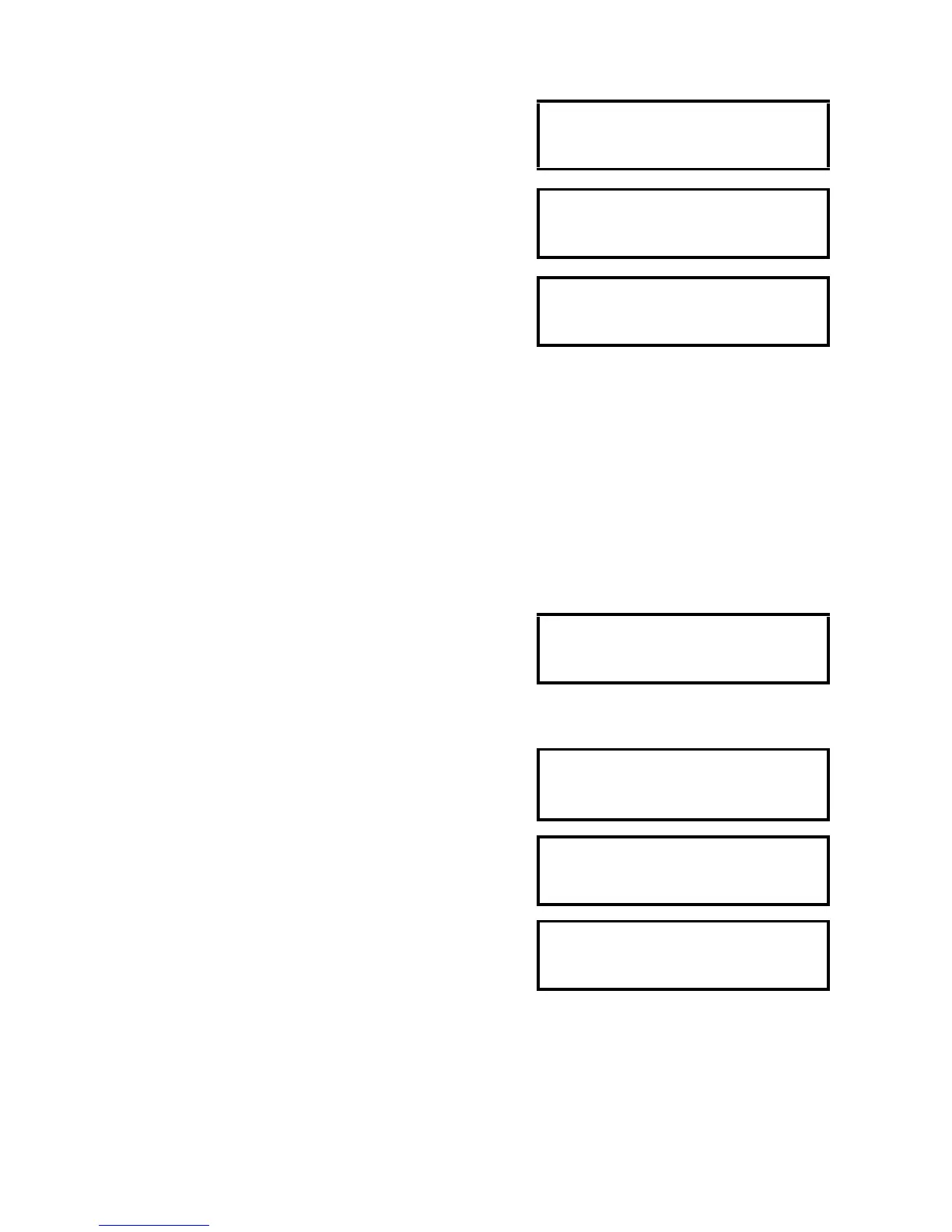
Alarm Log Pushbutton pressed - the screen shows the
number corresponding to where the particular alarm is in
relation to the most recent alarm which is number one,
followed by the alarm name as shown in the example
below: If the INC button is pressed within two seconds, the
second alarm will be shown. If pressed again the third alarm
appears etc.
If the button is not pressed for two seconds a date/time
screen will appear which shows the alarm sequence
number followed by the date and time at which the alarm
occurred.
To clear the alarms log, press ENTER whilst in the Alarms
Log menu and the following screen will appear:
Press the DEC button as requested and the log will be
cleared and the following screen will confirm it.
6.11 Battery Cell Monitor Setup
Note: This function is only available on special versions of MCSU-4 software and appears
as the first option in the Expan2 sub-menu (see section 6.6.4.3 for screen definitions).
For 110V and 220V systems, refer to the BCM3 sections for an appropriate configuration
table.



 To Next Page