11
Advanced Configuration
Setting maximum input level
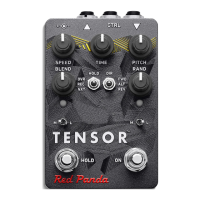
The Tensor can handle signals up to +5.2 dBu (4 Vpp) in its default setting. The maximum input level is
adjustable using MIDI System Exclusive (SysEx) messages, or via the TouchOSC template we provide.
The Tensor adjusts the input and output levels to maintain a consistent signal level.
If you are using a synthesizer or mixing console and the Tensor is clipping, you can increase the maxi-
mum input level.
If you are using a quiet instrument, such as single coil guitar pickups or a consumer cassette deck, you
can set the Tensor to a +0.5 dBu maximum input level, which may give a slight improvement in signal-to-
noise ratio.


 To Next Page