5
Getting Started
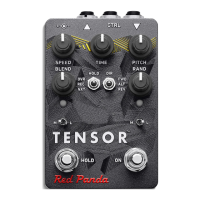
The Tensor performs realtime tape stop/slowdown/reverse, time stretching, and pitch shifting. The hold
footswitch can loop and manipulate phrases up to 4.8 seconds. Both footswitches can be set to momen-
tary or latching mode. The Tensor is always listening to what you play, so you can switch from bypass to
eect with no gap or delay. Intelligent randomization adapts to the current knob settings to add random
glitches, stutters, and pitch changes.
The Tensor maps between real time (as you play) and an alternate time based on the combination of
control settings. It takes some practice to play and hear in disjoint time bases, but in most cases you can
concentrate on what you are playing and let the Tensor stretch, shift, and warp the sound.
In addition to its front-panel knobs and switches, the Tensor supports USB MIDI to record, playback, and
sequence sound changes.
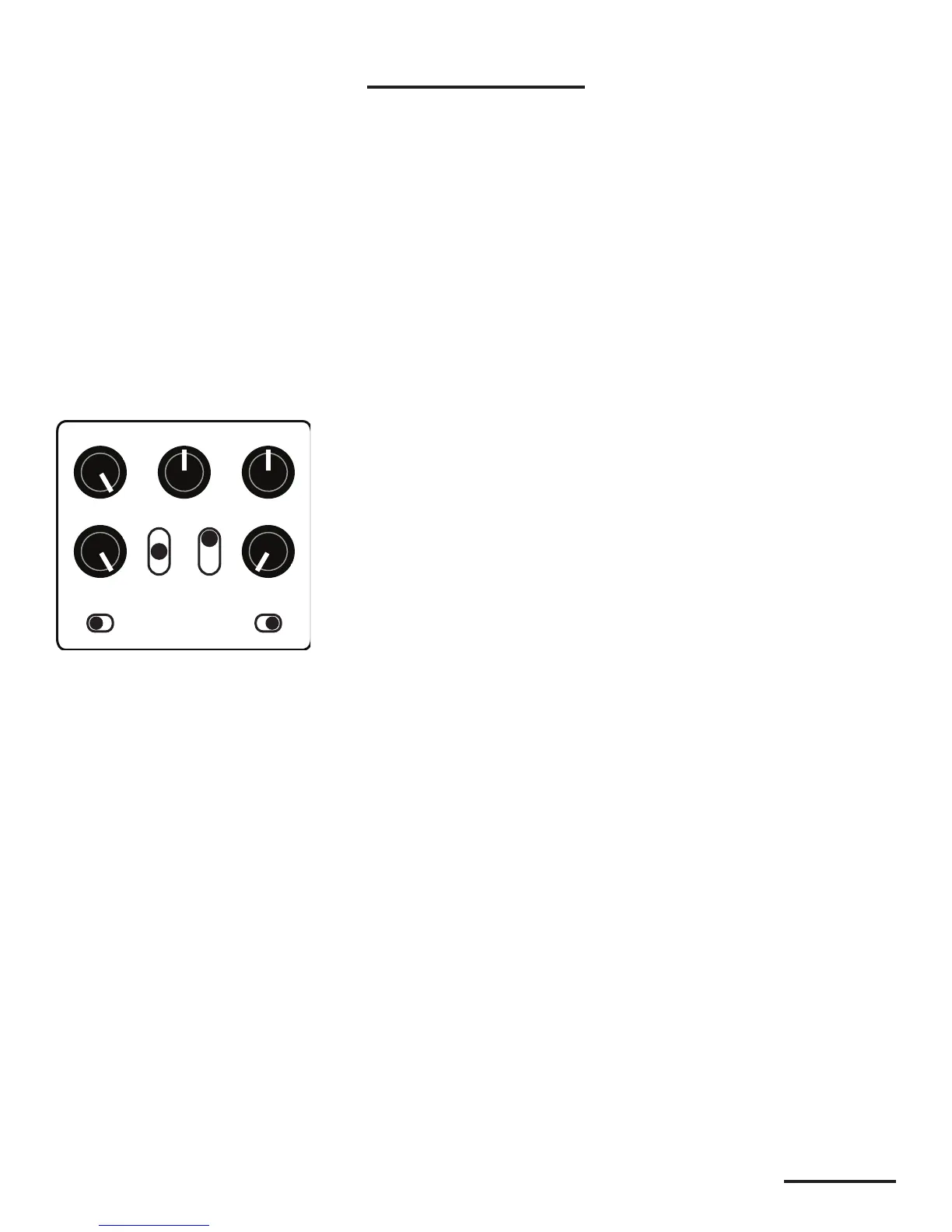
To get familiar with the Tensor, start with a full wet, normal playback setting:
Play a loop or some music through the Tensor and turn each of the knobs to see its eect on the sound.
Try the SPEED, TIME, and PITCH knobs one by one, then combine them. Next, slowly turn up the RAND
(random) knob and hear how it interacts with the other controls.
In live play mode, the Tensor does tape speed, time stretching, and pitch shifting while maintaining a
real-time feel. It will fall behind when slowing down or stretching the audio, but tries to find good points
to jump back so that it remains playable.


 To Next Page