3
ENG
Controller settings
The controller provides automatic and manual modes for the lights.
When the “Auto” mode is selected the LED module will vary spectrum and
intensity according to the 24 hour cycle that you program.
When the “Manual” mode is selected the LED module will operate
continuously at the fixed spectrum and intensity as set on the manual
setup screen. Moving to “Manual” from “Auto” will show the current
setting of all color channels. Any changes made during “Manual” mode
will be deleted when returning to “Auto” mode.
Spectrum and Intensity
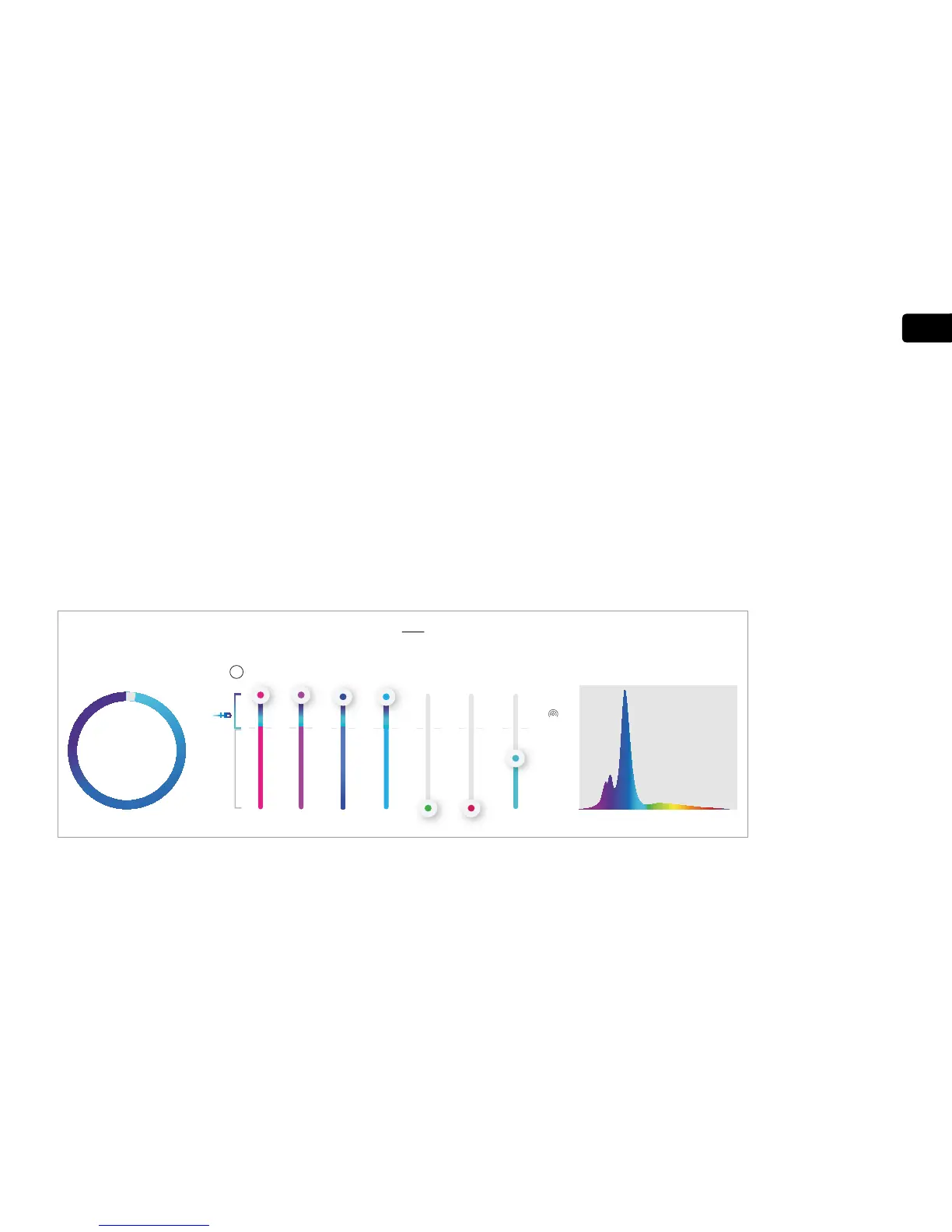
Select the “Manual” control option and see the effect of raising/lowering
the intensity of individual color channels and the effect of various
combinations. (Note: For systems with multiple LED modules, “child” units
should change together with the “parent”) The HD function automatically
reallocates the “unused” power from one color channel to others up to the
maximum allowable power for the other channels. The reallocation depends
on the prior relative intensity of the channels and therefore the sequence in
which color intensity changes are made will affect the final result.
Recommended
REEF-SPEC
®
setting for
maximum power for
Reef aquariums.


 To Next Page