5
ENG
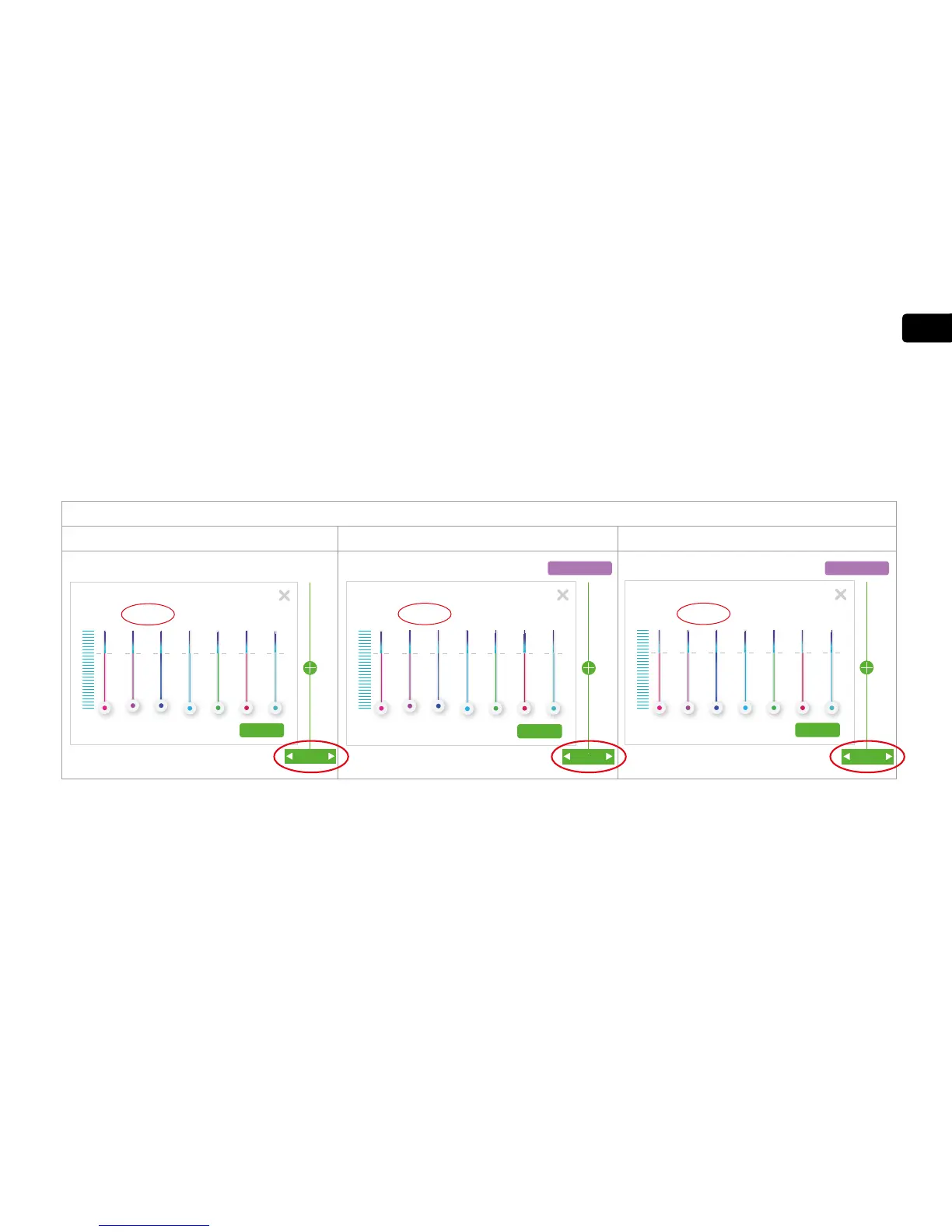
To manually add program points to the graph, drag the green bar to the desired time, Right-click to open the color intensity set window for that point,
then click on save or close window to exit.
Manually adding the moonlight setting to the 24 hour program
Moonlight – Maximum Intensity Moonlight – Begin ramp-down Begin Night (dark period)
RGB Kelvin
Delete
1%
0% 0%
0% 0%0%
1%
Save
8:30 PM
Delete
Save
11:00 PM
RGB Kelvin
1%
0% 0%
0% 0%0%
1%
Easy Setup
Delete
Save
11:30 PM
RGB Kelvin
0%
0% 0%
0% 0%0%
0%
Easy Setup


 To Next Page