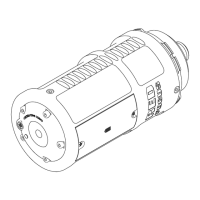
TURN ON/OFF RED FOCUS
To turn on the RED Focus, press the Power button. The Power LED illuminates green indicating that the RED Focus is
on and ready.
After three (3) minutes, the RED Focus automatically turns off. You cannot turn off the RED Focus by pressing or
holding down the Power button.
NOTE: To manually turn off the RED Focus, remove the batteries. To remove the batteries, go to "Install/Remove
Battteries" below.
INSTALL/REMOVE BATTTERIES
REQUIRED TOOL(S): Phillips
®
#1 screwdriver
To install/replace the batteries, follow the instructions below:
1. Remove the two (2) screws from the battery cover with a Phillips #1 screwdriver.
2. Remove the battery cover.
3. Install, remove, or replace the batteries.
4. Install the battery cover.
5. Install the two (2) screws through the battery cover and tighten with a Phillips #1 screwdriver.
POWER CONSUMPTION
The RED Focus draws 42 mA of power when turned on for three (3) minutes. At this power consumption, two (2) 1.5 V
AA batteries power the RED Focus for approximately 52 hours (depending on the battery quality and charge when
installed).
C OPYRIGHT © 2 019 R ED.C OM , LLC 95 5-0 05 0, REV-L | 1 1
RED FOCUS OPERATION GUIDE


 To Next Page