C OPYRIGHT © 2 019 R ED.C OM , LLC 95 5-0 05 0, REV-L | 13
RED FOCUS OPERATION GUIDE
CHAPTER 4:
USE WITH EPIC AND SCARLET
ADJUST BACK FOCUS OF EPIC AND SCARLET
REQUIRED TOOL(S): T-10 TORX
®
driver
To adjust the back focus on EPIC/SCARLET
®
, follow the instructions below:
1. Place the camera on a level, stable surface or mount the camera on a tripod.
2. Ensure that a display is installed.
3. Ensure that a DSMC
®
PL mount is installed.
4. Remove the screw-in plug that covers the back focus adjustment screw using a T-10 TORX driver.
NOTE: The screw-in plug is indicated by a Siemens star with an arrow pointing to its location.
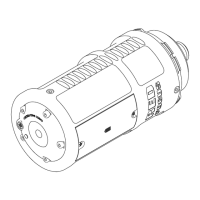
5. Install the RED
®
Focus on the DSMC PL mount.
A. Remove the camera lens or sensor cover.
B. Install the RED Focus on the DSMC PL mount.
C. Lock the camera lock ring.
6. Turn on the camera.
7. Press the Power button on the RED Focus.
NOTE: If the RED Focus turns off while still in use, press the Power button again.
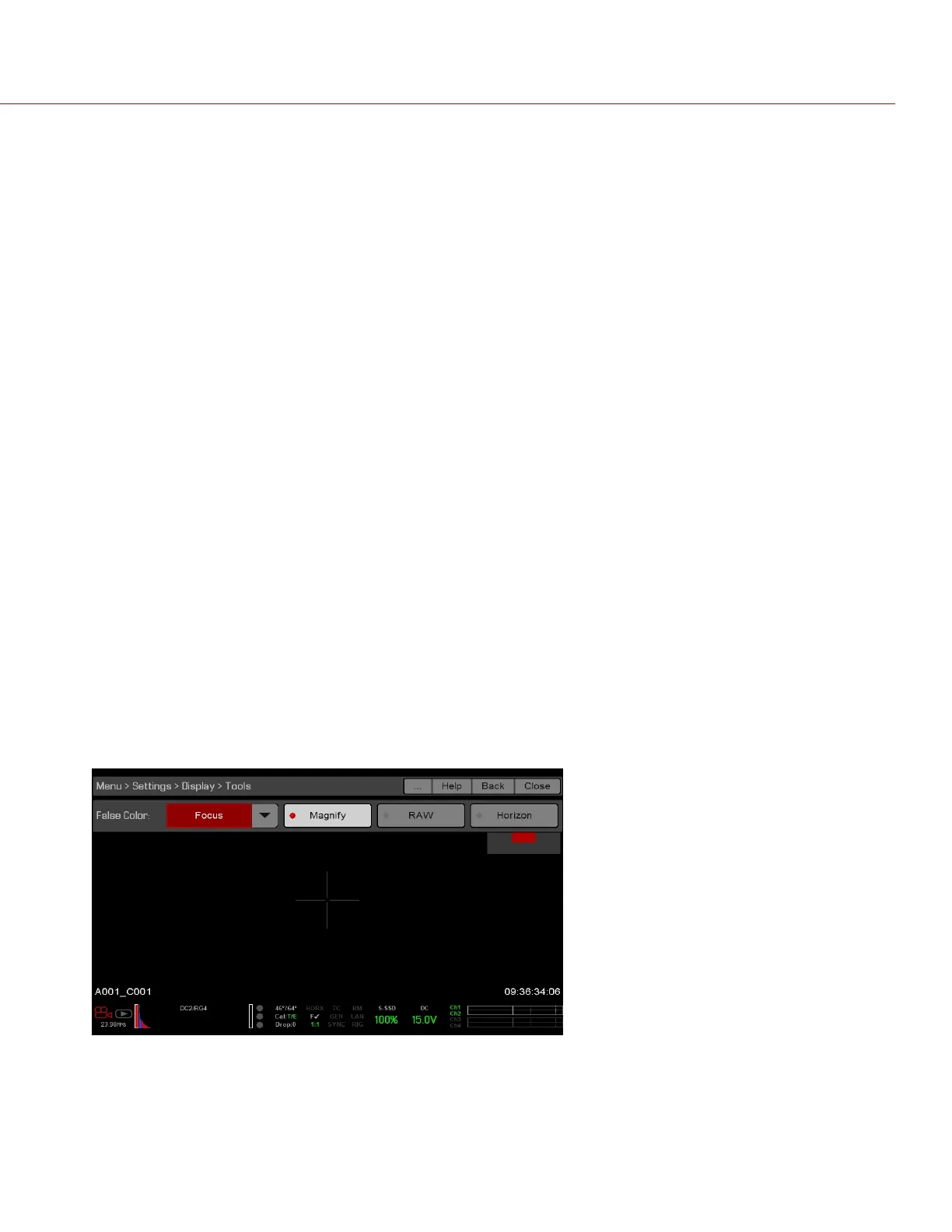
8. Go to Menu > Settings > Display > Tools.
9. Select Magnify.
10. Select Focus from the False Color drop-down menu.
Figure: FalseCamera
11. Loosen the back focus adjustment screw using a T-10 TORX driver.


 To Next Page