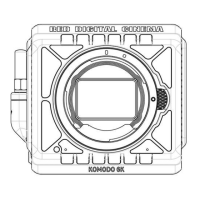
12. Rotate the back focus adjustment screw to achieve optimum focus.
Clockwise: Moves the sensor forward.
Counterclockwise: Moves the sensor backward.
NOTE: The center of the image will never be in perfect focus.
NOTE: The back focus adjustment mechanism is self-locking, and does not require a supplementary locking
screw.
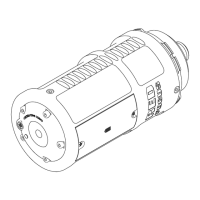
13. Remove the RED Focus.
A. Unlock the camera lock ring.
B. Remove the RED Focus.
C. Install a camera lens or sensor cover.
14. Install the screw-in plug in the back focus adjustment opening using a T-10 TORX driver.
C OPYRIGHT © 2 019 R ED.C OM , LLC 95 5-0 05 0, REV-L | 1 6
RED FOCUS OPERATION GUIDE


 To Next Page