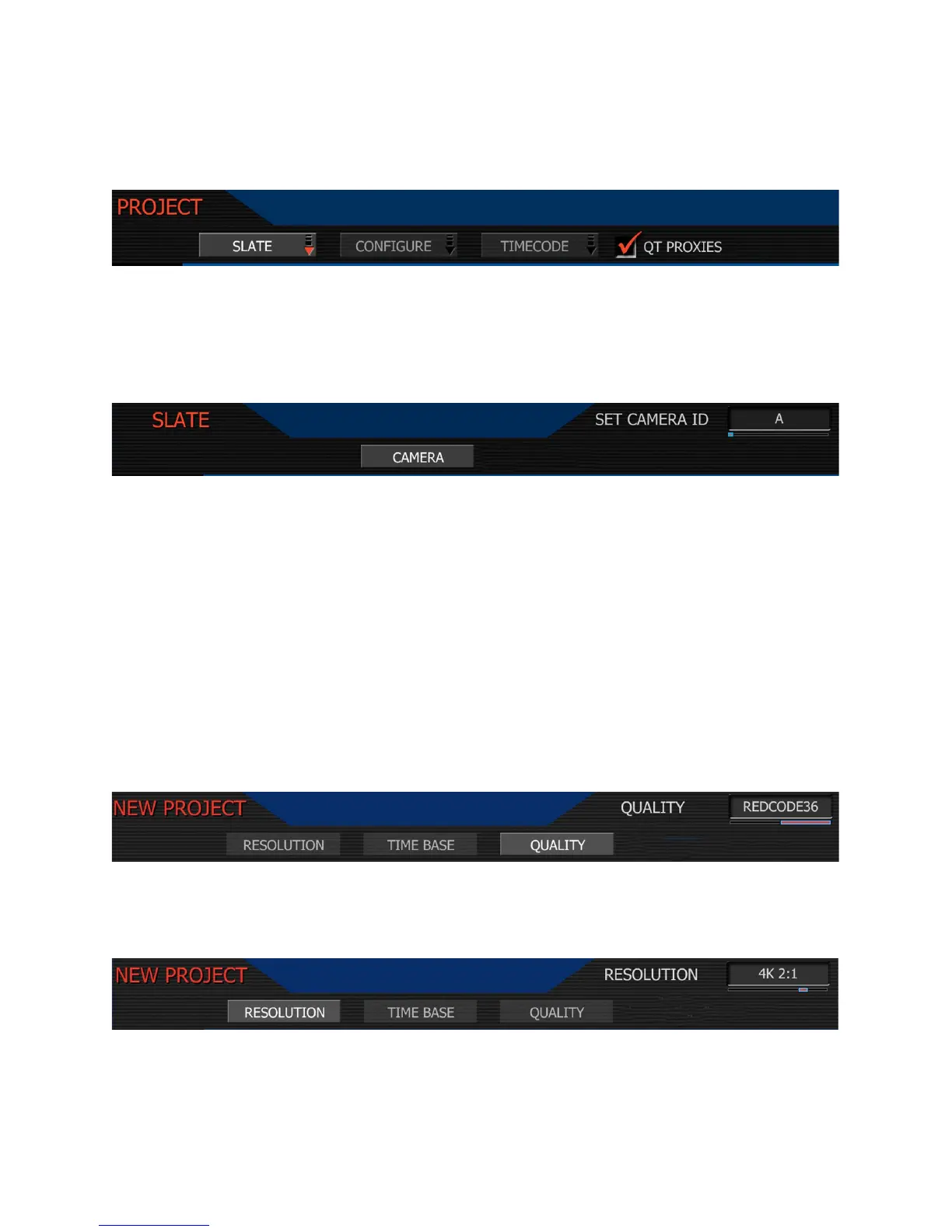
Project Menu
The project menu sets the operating parameters the camera will use for a given project.
Selections are SLATE, CONFIGURE, TIMECODE and QT PROXIES
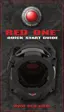
Slate lets the operator identify the specific camera used for the project. Combined with reel
numbers and clip numbers assigned by the camera, all clips recorded on the digital media may
be uniquely identified, simplifying post-production and media archiving workflows.
Camera: is a single letter (A-Z) that provides a unique identifier for the camera in a multi-
camera production environment. The default camera identifier is A.
When you push record, the camera names the clip being recorded on the digital media.
E.g. A001_C001_0515A6.RDC
Where: A = camera A, 001 = reel 001, C001 = clip 001, and 0515 = May 15 and A6 is a two
digit alphanumeric random number generated by the camera. This number helps avoid dupli-
cate file names if two cameras are inadvertently named A on the same project.
Configure: defines the operation of the camera in a project.
Quality. Choose between REDCODE 28 and REDCODE 36. Default is REDCODE 36.
Note: REDCODE 36 will limit maximum frame rate and resolutions available using CF cards.
Time Base: allows the user to set the project time base - the playback & editing frame rate.
Resolution. Choose 4K, 3K or 2K resolutions. Do not use 4K or 3K for S16mm/B4 lenses.



 To Next Page