Need help?
Do you have a question about the Redarc The Manager30 and is the answer not in the manual?
Steps to ensure safe operation and use of the battery charger.
Compliance statement regarding FCC rules for digital devices.
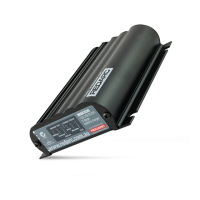
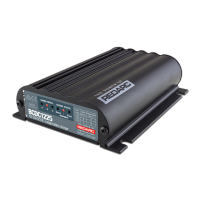
Overview of the Manager30's purpose for recreational automotive applications.
Functionality and customization options of the Remote Monitor.
Components included in the Manager30 package.
Detailed electrical, thermal, and general specifications of the unit.
Explanation of Touring (3-stage) and Storage (8-stage) charging profiles.
User-configurable setting for maximum charge current up to 30 Amps.
How the unit prioritizes charging sources, favoring solar power.
Diagram illustrating the connection of Manager30 components and batteries.
Guidance on installing the Main Unit, Remote Monitor, and Battery Sensor.
Guidance on selecting appropriate DC cable sizes for installation.
Overview of connecting the Manager30 unit and its features.
Guidelines for compatible battery types and series/parallel connections.
How the Manager30 uses MPPT to optimize solar charging.
Overview of the Remote Monitor's functions and controls.
Explanation of the LCD display layout and information shown.
Step-by-step guide for language, battery type, and date/time configuration.
Navigating through menus like Clock, Battery Charge, and Charge Logs.
Accessing and modifying Battery, Remote, and Advanced settings.
How the unit displays and alerts the user to warning and fault conditions.
Guidance on identifying and resolving common faults and warnings.
Default configuration values for various unit settings.
Answers to common user queries regarding operation and troubleshooting.
 General
| Maximum Charging Current | 30A |
|---|---|
| Operating Temperature | -10°C to +50°C |
| DC Input Fuse Rating | 40A |
| IP Rating | IP67 |
| Output Voltage | 12VDC |
| Battery Types | AGM, Gel, Lithium |
| Standby Current Draw | Less than 10mA |
| Protection Features | Over Voltage, Over Temperature, Short Circuit, Reverse Polarity |


 To Next Page