www.altronics.com.auRedback® Proudly Made In Australia2
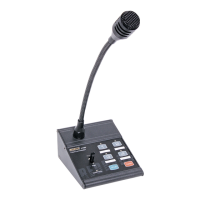
Redback® A 4488 Paging Console
Fig 1a
Fig 2
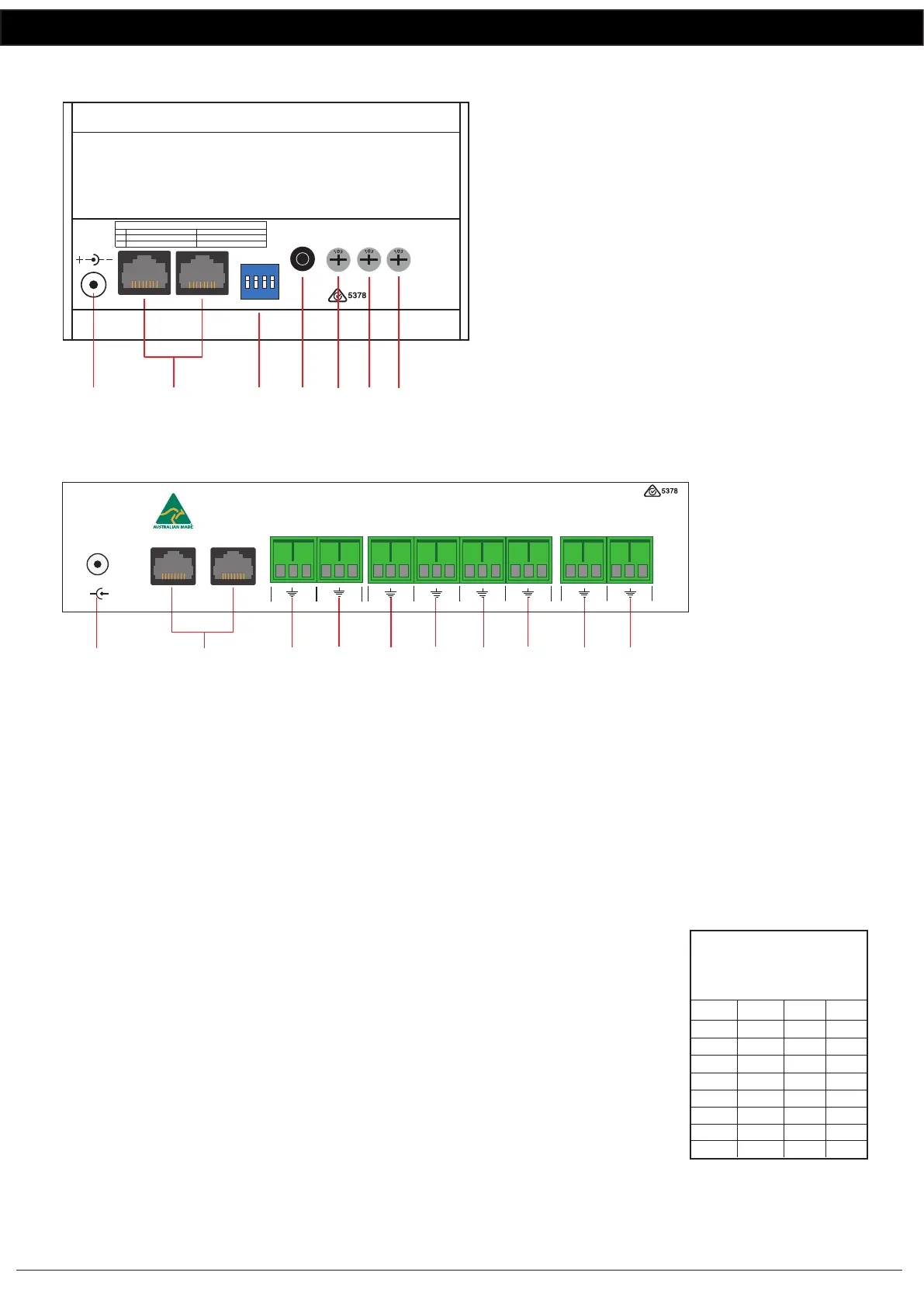
3.0 A 4488 Rear Panel Connections
1 24V DC connector
2.1mm DC jack (centre pin positive).
2 RJ45 connector
For connection back to the A 4489A.
Either port can be used.
3 DIP switch options
These switches set the chime options.
4 BGM (Background Music) Input
The background music can be connected via
a 3.5mm Stereo Jack.
5 BGM volume
Use this volume to adjust the background music
level.
6 Chime volume
Use this volume to adjust the chime level.
7 Microphone volume
Use this volume to adjust the microphone level.
4.0 A 4489A Rear Panel Connections
1 24V DC connector
2.1mm DC jack (centre pin positive).
2 RJ45 connector
For connection back to the A 4488 paging consoles. Either port can be used.
3 Line Out
This is the line level audio output from the paging console/s.
4 Mic Out
This is the low level audio output from the paging console/s.
5-8 Zone 1-4 Audio Outputs
These are switched audio outputs which output the signal present at the “Audio In” terminals when the particular
zone is triggered by a paging console.
9 Audio In
This is the input used to supply audio to the zone outputs.
10 BGM In
This is the input used to supply Background Music to the zone outputs.
5.0 DIP Switch Settings
DIP switch 1 sets the pre-announcement chime on or off.
DIP switches 2-4 set the paging console ID number.
NOTE: The ID must be set to either ID1 or ID2 when using the A 4488 with the A 4489A.
When using the A 4488 with the A 4580 the ID’s must be set between 3-8. (Therefore a
maximum of six A 4488 paging consoles can be connected to the A 4580.
IMPORTANT NOTE:
Ensure power is switched off when adjusting DIP switches.
New settings will be effective when power is switched back on.
1 2 3
6
7
24VDC In
Volume
Mic
Chime
Volume
1 2 3 4
1
2
PA System Chime On
SW
PA System Chime O
Internal Chime On Internal Chime O
On
O
DIP Switches 1-2 Settings
ON
1 2 3 4
BGM
Volume
BGM
Input
4
5
1 2
3
4
5
6
7
8
9
www.altronics.com.au
Made in Australia
by Altronic
Distributors Pty Ltd
To Paging Consoles
24V
DC IN
+
+
-
Audio In
+-
+-+-
+-
+-
+-
Zone1Zone2Zone3Zone 4Mic OutLine Out
+
-
BGM In
10
Fig 1b
2 3
4
DIP Switches 2 - 4
Set the Paging
O O O
Console ID
ID
On O O
On On O
O On O
O O On
On O On
On On On
O On On
7
8
1
2
3
4
5
6


 To Next Page
 Loading...