12
BATTERY SAVING MODE
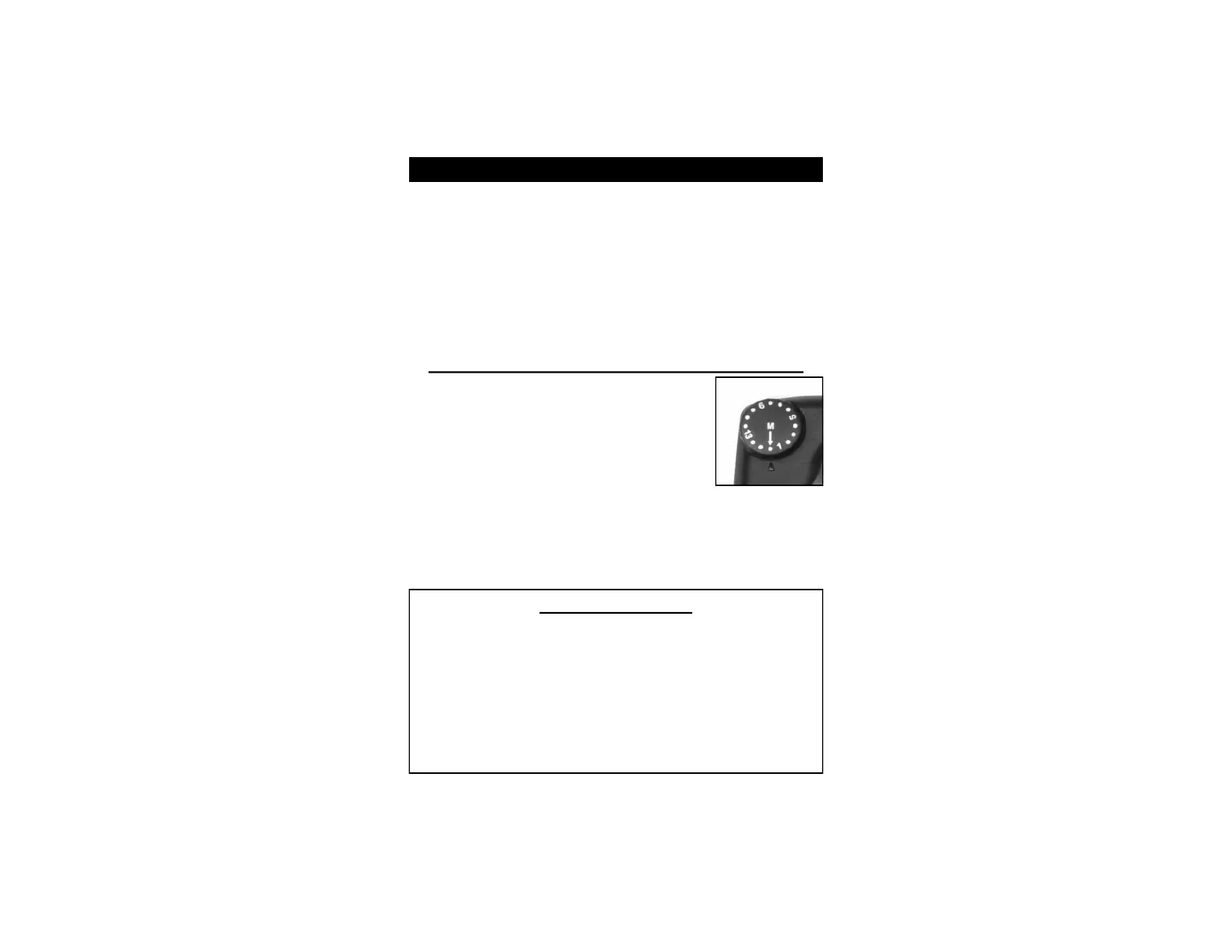
Switching from Regular to Battery Saving Mode:
1. Turn ON the Collar Receiver.
2. Select ‘M’ on the Intensity Dial.
3. Press the ‘Beep’ button to activate the
Battery Saving Mode. The LED Light
on the Collar Receiver will start to
double-flash.
4. Press the ‘Cont.’ button to go back to
regular mode. The LED Light on the Collar Receiver
will now have a single flash.
5. After you have selected the desired mode, return the
Intensity Dial to your normal setting (see page 16).
The Battery Saving Mode will reduce battery consumption in
the Collar Receiver and increase battery life. In the Battery
Saving Mode, the Collar Receiver battery can last up to
approximately 30% longer.*
*These figures are estimates and vary depending on numerous factors
such as number and length of beeps/stimulations, intensity level setting,
distance, weather, storage, battery brand and age, etc.
IMPORTANT NOTE:
In the Battery Saving Mode, there may be a slight 0.5 to 1
second delay in the Collar Receiver’s response to the
Transmitter. Pressing and releasing the button too quickly
in the Battery Saving Mode may not result in the desired
correction from the Collar Receiver. You may need to
press and hold the ‘Beep’ or ‘Cont.’ button and watch your
dog for a reaction before you release the button. For a
more instantaneous response, use your collar system in the
regular battery mode.



 To Next Page