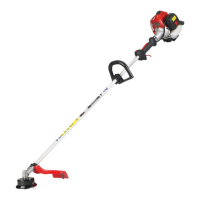
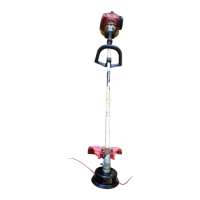
US-9
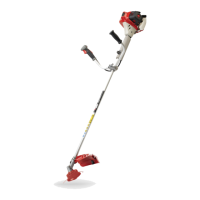
BCZ400SW
U
S
6. Set up
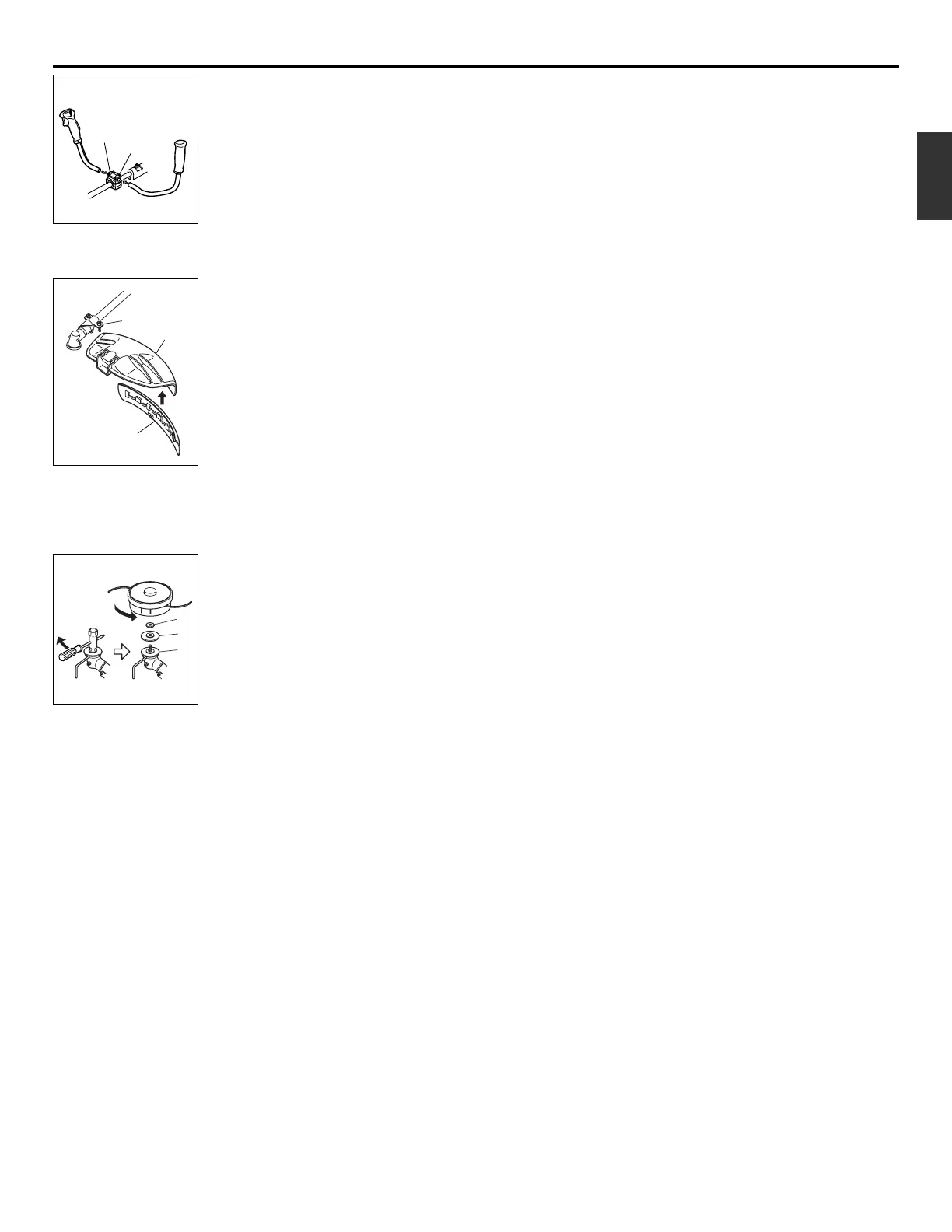
■ INSTALLING HANDLE
• Loosen the 4bolts on the upper cap
and insert the handle. Retighten the
bolts securely. (SE1)
(1) Upper cap
(2) Bolts
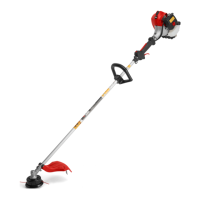
■ INSTALLING DEBRIS GUARD
• Attach the debris guard with the bolts
provided to the shaft.
And attach the guard skirt. (SE2)
(1) Debris guard
(2) Bolts
(3) Guard skirt
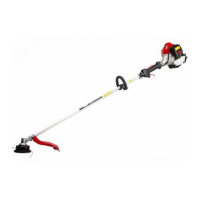
■ INSTALLING LINE HEAD (SE3)
1. While locking the gear shaft, by
inserting the supplied tool into the
upper holder on the gear box, loosen
and remove the hexagon nut(left-
handed)
2. Fit the line head assembly to the gear
shaft over the upper holder and lower
holder tucking alminum ring. Hand-
tighten it securely.
(1) Alminum ring
(2) Lower holder
(3) Upper holder


 To Next Page