11
REMOVING AXIS LOCKING HOLDER
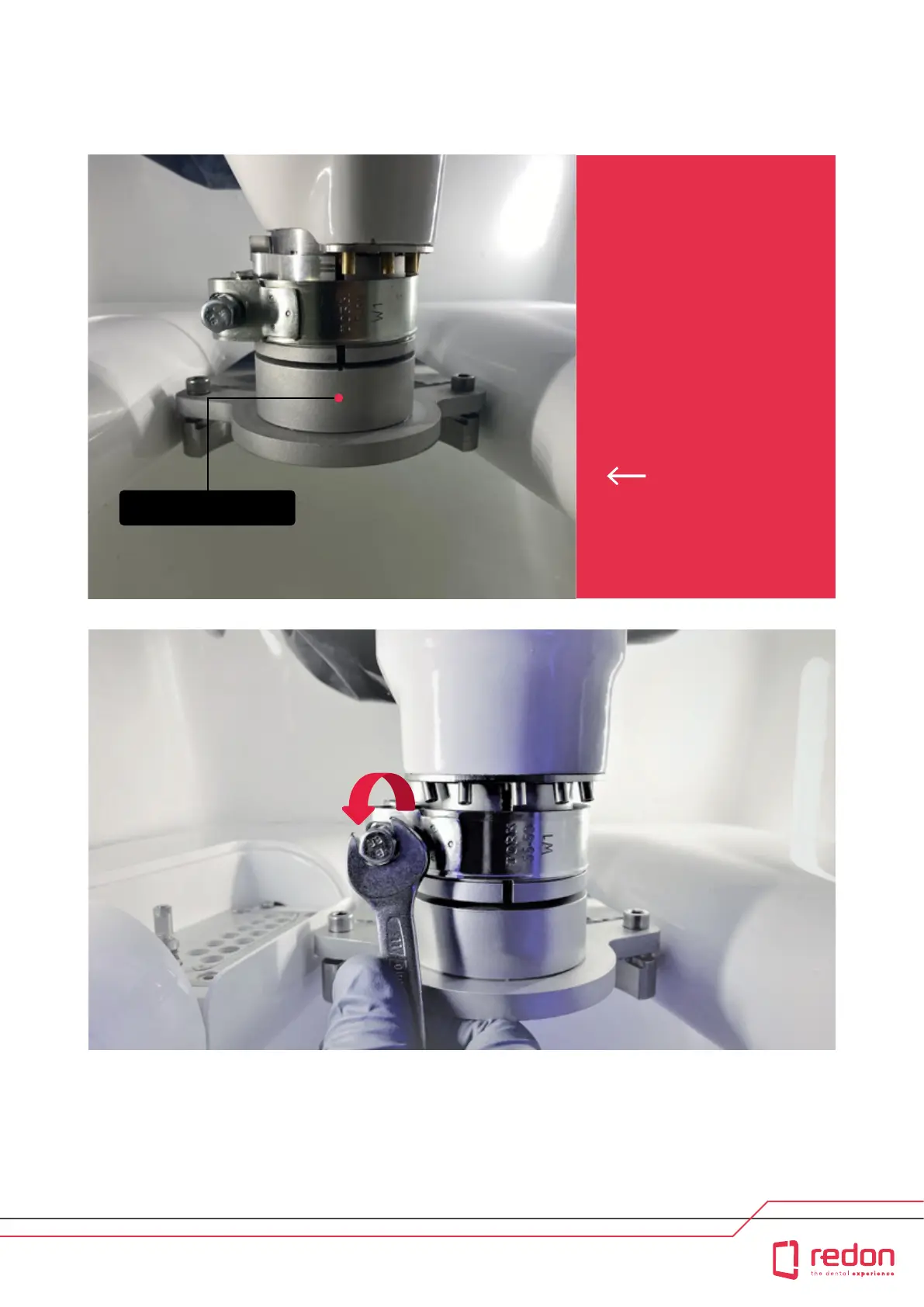
Remove the axis locking gear from the spindle housing using a pair of pliers. Make sure that you loosen the
tensioning bolt of the axis locking gear using an 11-mm open-end wrench. Then, move the Z axis upward
by using the JOG command on the user inteace.
The Axis Locking Gear is
used during shipment of
the machine to prevent the
axes of the machine from
moving. It is the rst pa
that you will see aer you
open the door following
unpackaging.
Axis Locking Gear



 To Next Page