Page 6 of 8
Tank access and replacing parts con’t.
Task Operation
Replace Thermistor Steam Sensor 1. Directions as above in Cover Removal.
2. Remove PCB cover plate.
3. Remove the thermistor.
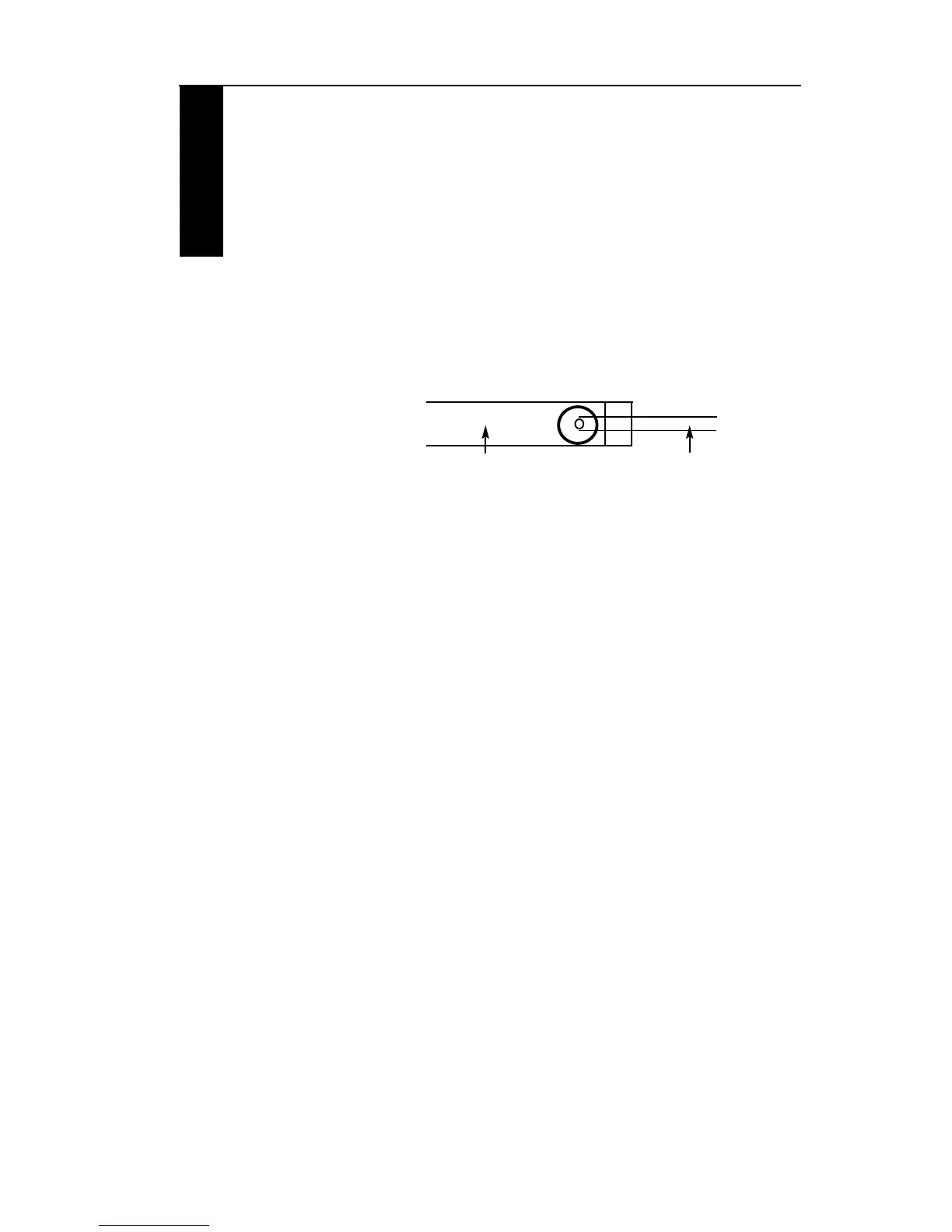
4. The probe end of the thermistor pushes into the
condensor tube so that the tip just covers the hole
drilled in the condensor tube.
5. Re-connect the sensor to the PCB at either NTC 1 or
NTC 2, in any order.
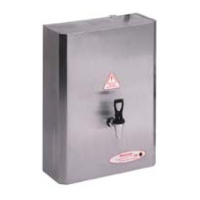
Redring SB
Condensor Tube Sensor Probe


 To Next Page