9
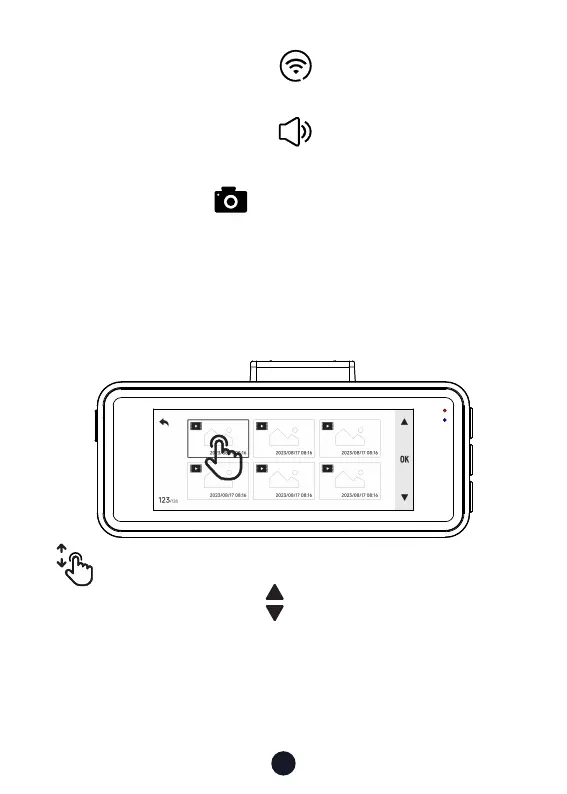
• Playback Mode
You can manually click the icon at the top of the screen to
choose whether to turn on Wi-Fi.
You can manually click the icon at the top of the screen to
choose whether to turn on the key sound
.
You can click the icon in the lower right corner of the
screen to take a photo.
Swipe up and down on the playback inteace to turn
pages. You can click the icon to turn the page.
You can click on any video to play it back.



 To Next Page