17
APP and Wi-Fi Function
• How to connect Wi-Fi?
1. Download the APP
You can download the APP from:
-- Ocial website: https://www.
redtigercam.com/pages/app
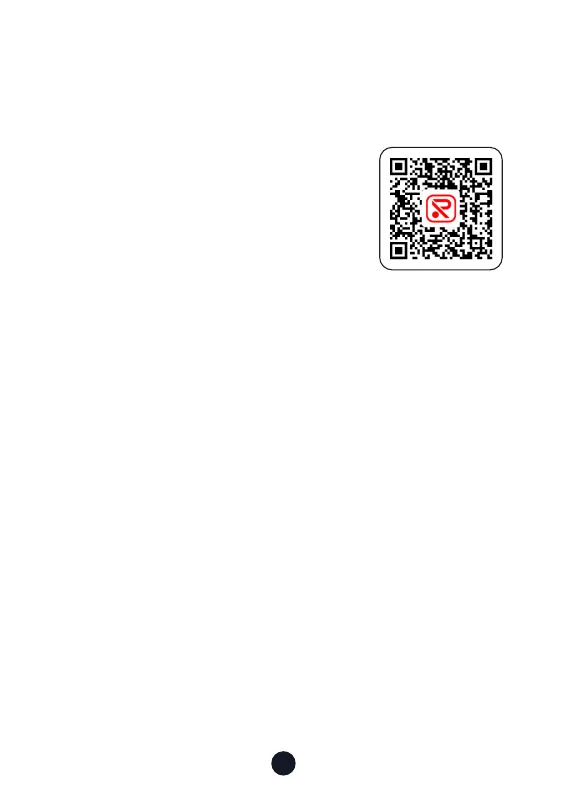
-- You may also use your smaphone to
scan the QR Code from your dash cam
or on the right side.
-- Apple APP Store or Google Play Store
search "Redtiger".
2. Turn on the Wi-Fi on the dash cam, the Wi-Fi and SSID and
password will appear on the screen.
3. Open Redtiger APP> jump to the Wi-Fi connection inteace
according to the steps> nd the Wi-Fi of the dash cam> enter
the password to connect.
(the default password is 12345678)
4. After successfully connecting to Wi-Fi, return to the APP to
use it.
• View/Download/Delete/Share Video
1. Click the icon on the main inteace to view video and picture
les.
2. Long press the video le and select it, then choose to
download or delete.
3. Return to the APP home page and select the Album> Open
and watch/share it.
APP Download



 To Next Page