8
Touch Screen Function
• Video Mode
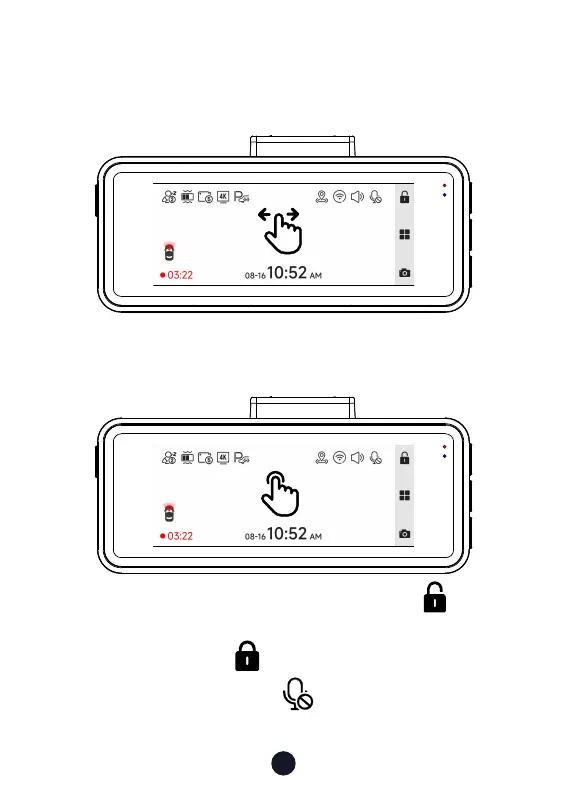
Swipe the screen left or right to switch the screen to Front camera
> Screensaver.
You can manually lock the video by clicking the icon in the
upper right corner of the screen and a small white lock appears in
the middle of the screen .
You can manually click the icon at the top of the screen to
choose whether to record audio during video recording.



 To Next Page