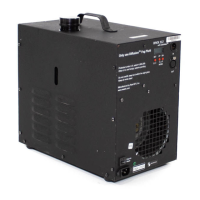
DF-50 Diffusion Hazer Operation
Page 9 of 10
Manual
DF-50 DMX OPTION
The DF-50 DMX version, now available, allows three modes of operation. This new DMX feature enables
control of the DF-50 from a light board, from internal auto settings or from the standard manual On/Off. The
DMX interface is fully USITT 1990 compliant featuring an address range of 1-512 and industry standard 5
pin XLR connectors. The DMX input is short circuit protected.
How the DMX and AUTO feature works
The DF-50 DMX uses a single address to provide proportional control. When the DF-50 DMX version is in
the DMX or internal auto settings mode it operates on a 100 second duty cycle. These modes allow the
user to set the DF-50 to cycle ON and OFF as a percentage of 100 seconds. For example if the unit is set
to 60% the DF-50 will automatically turn ON for 60 seconds and OFF for 40 seconds until the user changes
the setting or removes the power supply. When the power supply is disconnected from the DF-50 the
settings for the most recent use remain stored for operation until the power supply is restored.
Initial Set-Up
When your DF-50 DMX arrives it will be set in the “DF-50” mode (manual ON / OFF operation). When the
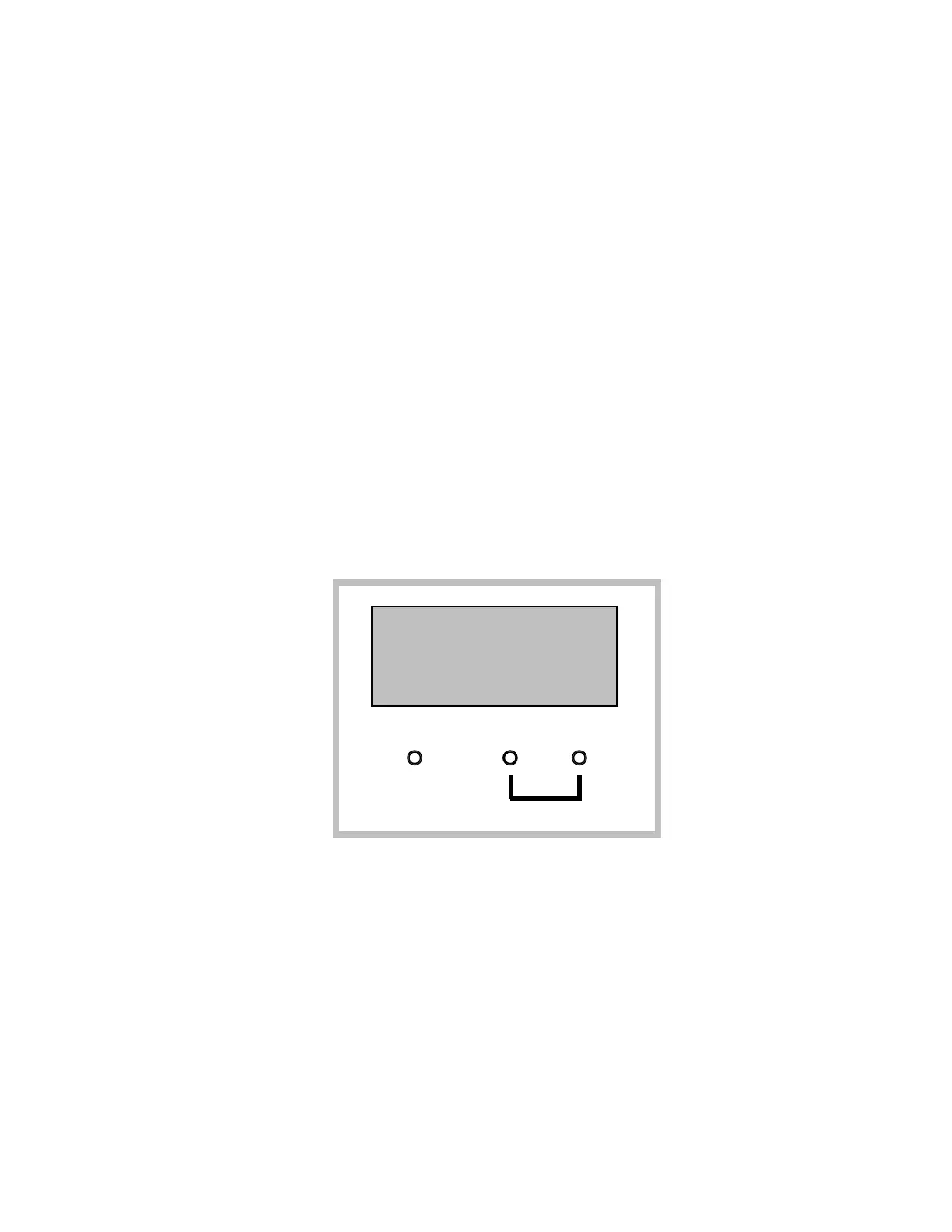
unit is initially plugged in the LED menu screen in the front upper right hand corner of the unit will illuminate
and indicate which mode it is in. Underneath the LED screen are three small red buttons with upper and
lower sets of labels. The upper labels read across “SET” above the first button, “UP” above the second
button and “DOWN” above the third button. The lower labels read “O / I” below the first button and “MODE”
below the second and third buttons.
Switching Modes of Operation
By pushing both red buttons above the “MODE” label the mode menu will appear in the LED screen. Once
you are in the mode menu use the individual buttons associated with the “UP” and “DOWN” labels to scroll
through the three different modes. To select the desired mode of operation press the “SET” button.
DF-50 Mode (manual ON / OFF)
In the Manual ON / OFF Mode you can turn the unit on or off by simply pressing the button above the
“O / I”.
SET
UP
DN
O/ I
MODE


 To Next Page
 Loading...