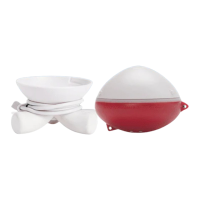
Image 10 Image 11 Image 12
12
SYNCING IBOBBER (2 OF 3)
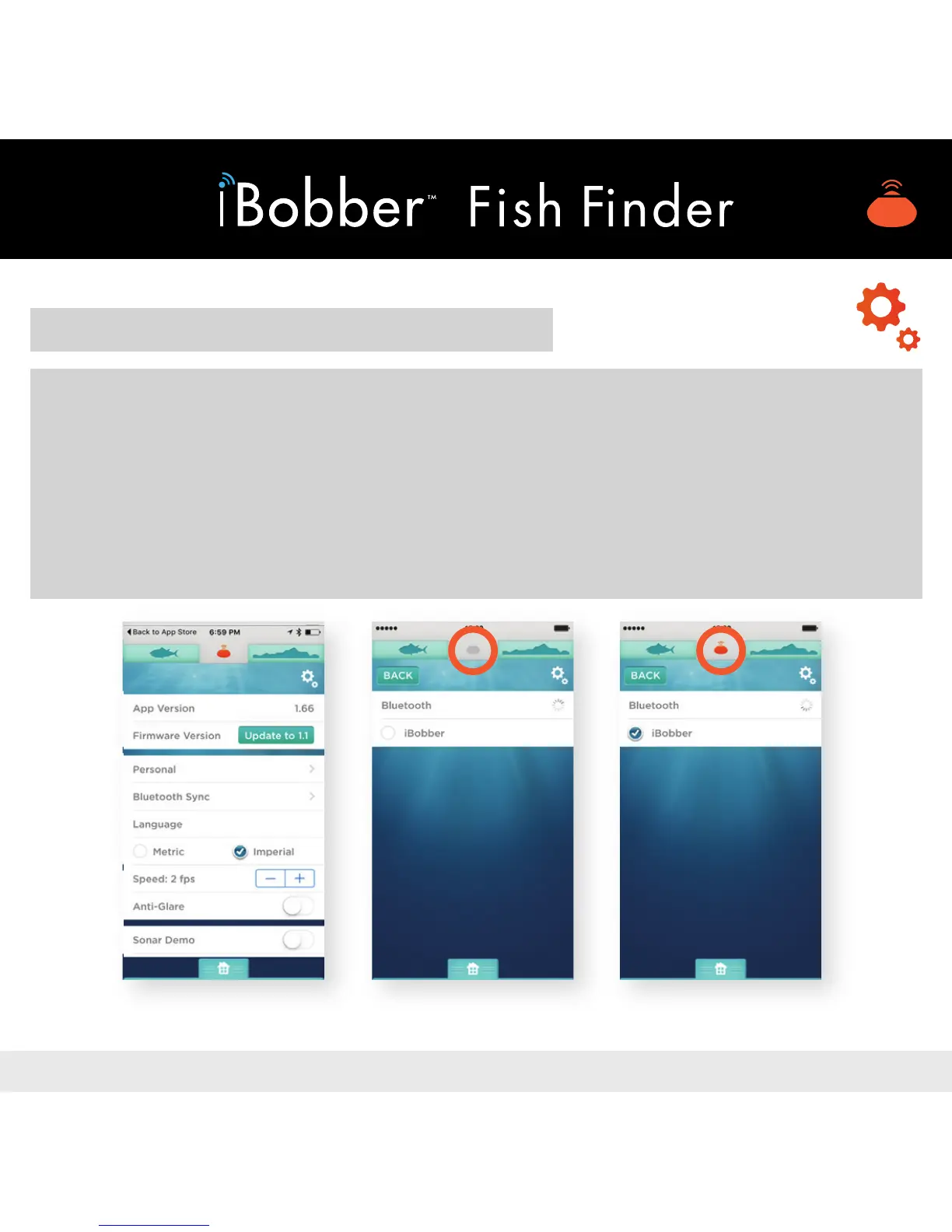
3) Tap “Bluetooth Sync” (image 10).
4) The iBobber will appear on your device, listed by its nickname. Tap the circle
next to your iBobber nickname (image 11). When the connection is made, the
Sonar icon in the top navigation between the sh and waterbed sihouettes will
turn orange (image 12). You’re now ready to nd sh up to 100’ away. Note:
Bluetooth ball continues to spin.


 To Next Page
 Loading...