18
Image 20
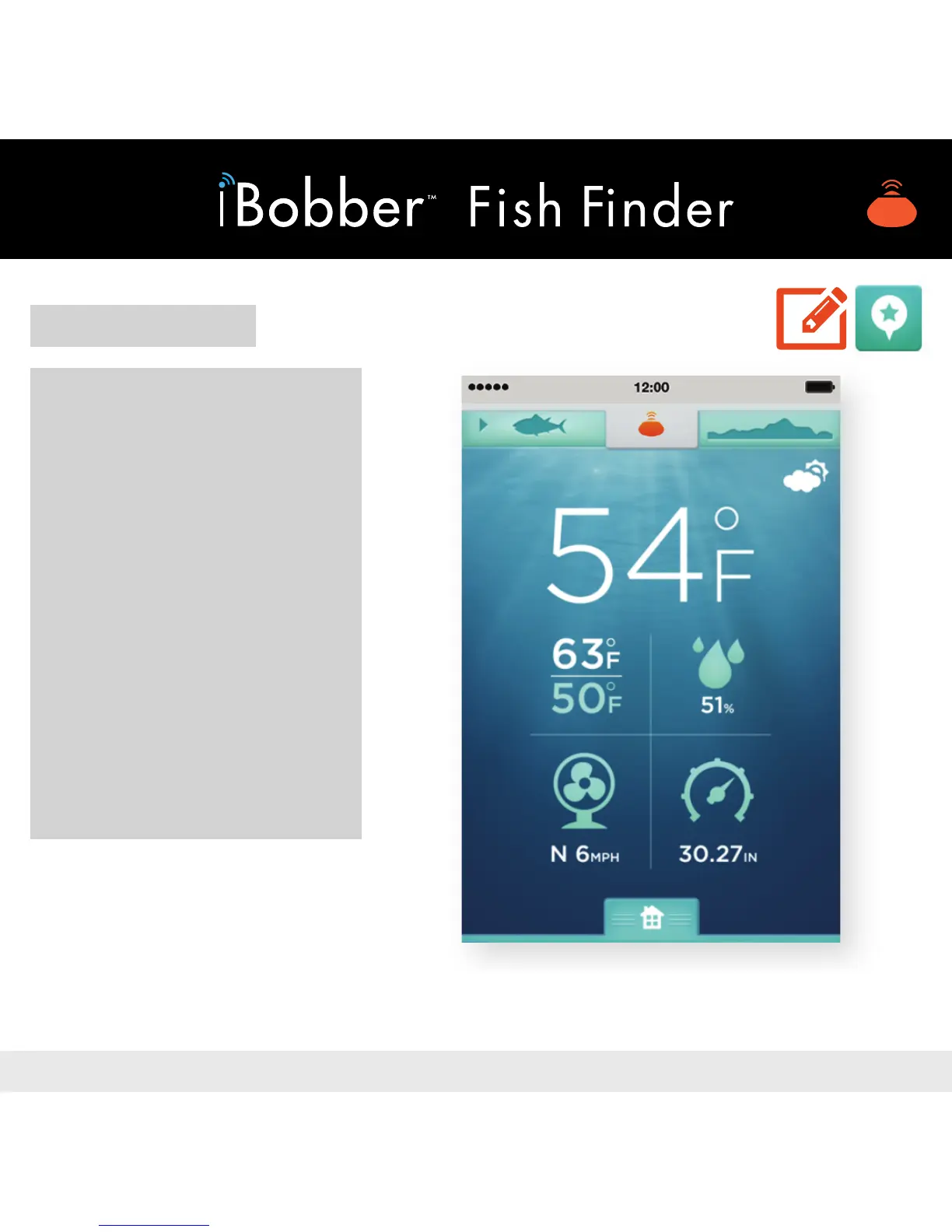
WEATHER
Tap either the weather icon
on the Home Screen, or
from Waterbed Mapping
tap the Sonar icon (green
sh / top navigation) then
tap Home (little house), then
tap Weather icon.
You’ll see the Weather —
Current Temperature, Daily
High/Low, Precipitation %,
Wind Speed/Direction,
Barometric Pressure.


 To Next Page