15
SONAR
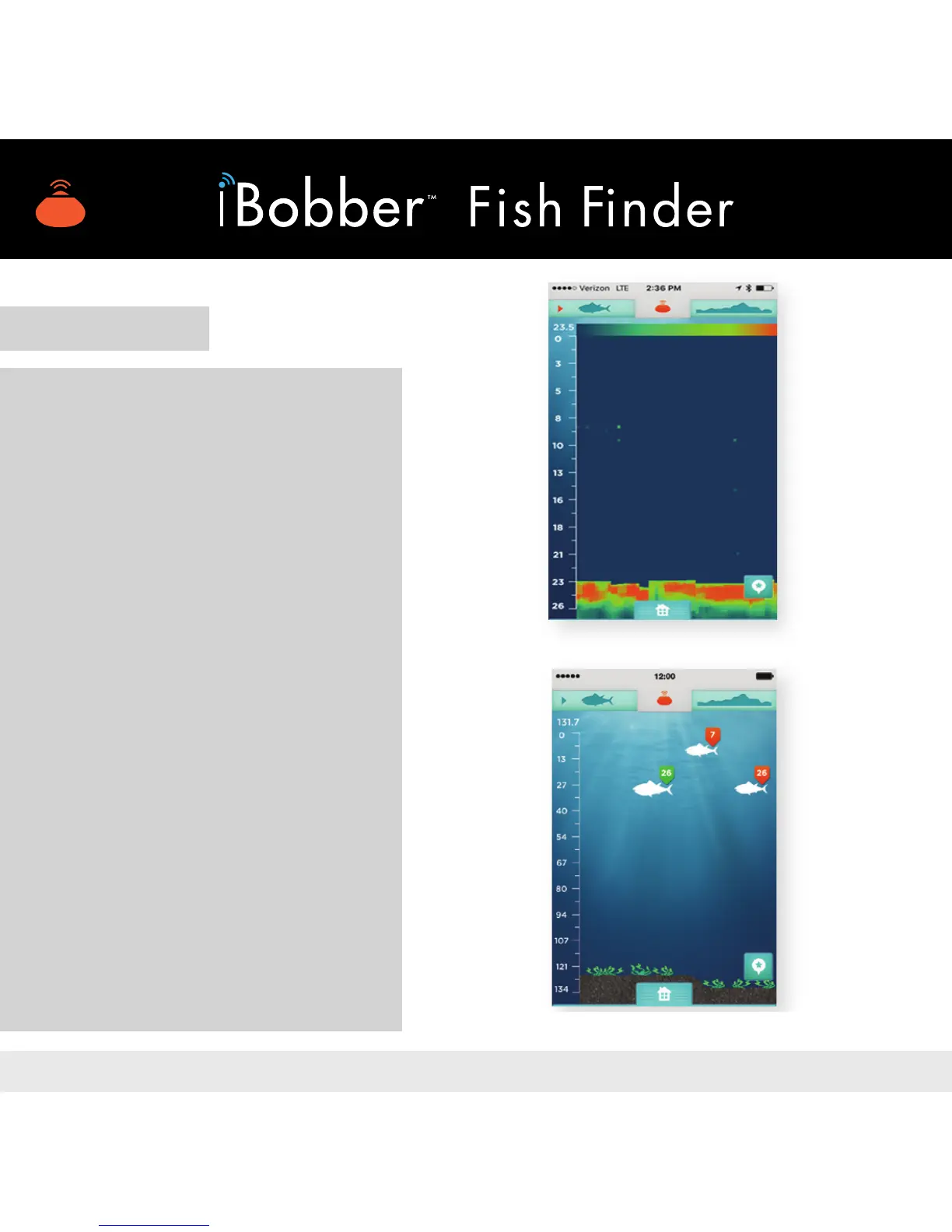
Tap the Sonar icon to get to
the Sonar screen. Fish are
tagged with their depth and size.
Orange tag is a sh under 15”.
Light green tag is a sh over 15”.
A depth gauge is on the left. The
bottom of the screen reects the
waterbed contour. (Enter) To use
the Raw Sonar Mode (image 14),
just tap the sh icon at the top
of the app screen; do the same
to get it back to standard Fish
Sonar Mode (image 15).
Note: Sonar mode is indicated
by the dark green sh in the
top left navigation, with an
arrow indicating it.
Image 15
Image 14


 To Next Page