Home
ReelSonar
Sonar
iBobber
Page 9 (App Settings and Personalization)
ReelSonar iBobber - App Settings and Personalization
38 pages
Manual
Save Page as PDF
To Next Page
To Next Page
To Previous Page
To Previous Page
Loading...
L
M
N
O
P
- iBobber Batter
y
- W
ater T
emperature
- Strike Alarm (of
f/on/adjustable)
- Fish Alarm (of
f
/on)
- iBobber LED Beacon (of
f/on)
8
QUICK OVER
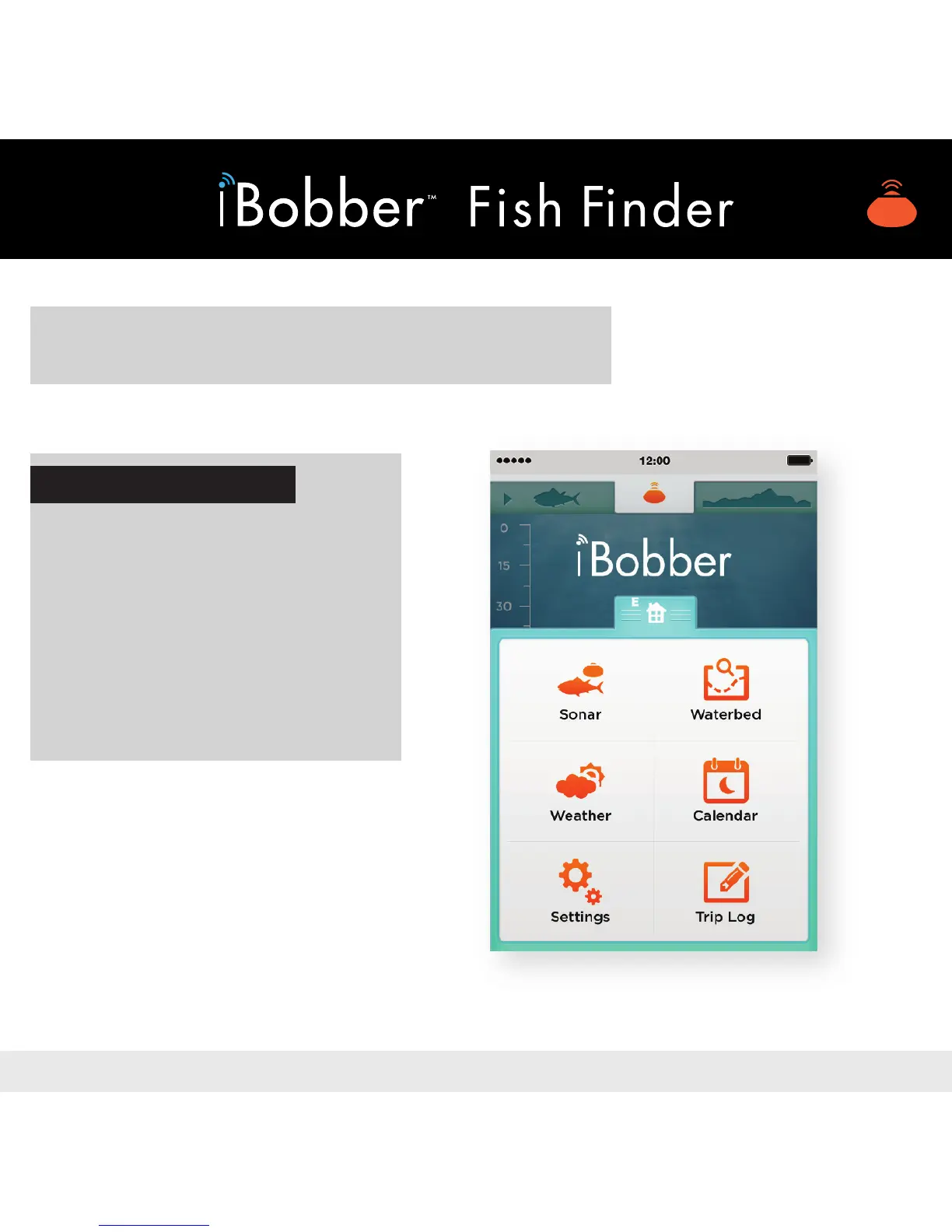
VIEW • IBOBBER APP
DASHBOARDS / SCREENS
T
o access registration, units
of measur
ement, and other
settings, click the “Settings”
icon on the bottom left cor
ner
.
Mor
e on Home Scr
een and
featur
es to follow
.
ACCESS SETTINGS
Image 5
8
10
Table of Contents
Main Page
Table of Contents
3
App Redemption
4
Charging the Ibobber
5
Quick Overview
8
Settings
10
Personal
11
Syncing Ibobber
12
Home
15
Sonar
16
Waterbed Mapping
17
Weather
19
Calendar
20
Trip Log / GPS Tag
21
Sonar Status Dashboard
23
Troubleshooting
24
Firmware Update
26
Warranty
27


 To Next Page