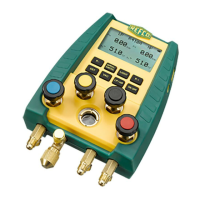
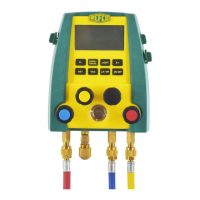
English Instruction Manual DIGIMON-SE / DIGIMON4
18
Calibrating the K-Type sensors (using room temperature)
1. Switch off the DIGIMON
2. Plug in the thermocouples (K-type).
Room and measurement temperatures must remain constant at 25 +/-3°C and
be stable for at least 20 minutes. The thermocouple cables must be straight
(unwound).
During calibration, you should neither touch the cables nor the plugs.
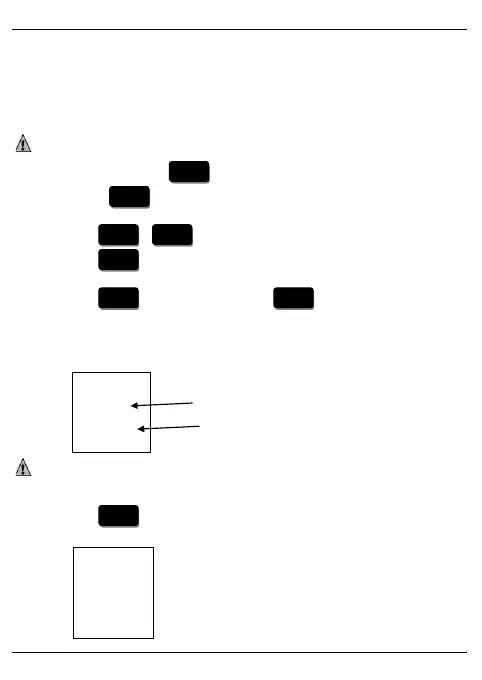
3. While holding down the button continuously, switch on the device by
pressing the button once. Continue holding down the Light button until the
display shows, "Password" 000
4. Press the / buttons to scroll to code 018.
5. Press the button once.
Display shows “T-call”
6. Press the button once and then the button once to enter
temperature sensor/clamp calibration mode.
7. During calibration, ensure that both thermocouples are well connected to the
DIGIMON.
The display shows (low pressure side)
The current temperature displayed on the DIGIMON should not deviate by
more than +/-0.5°C from the room temperature.
8. Press the button to confirm.
The display shows:
00xxx
27.0°C
End
00xxx


 To Next Page