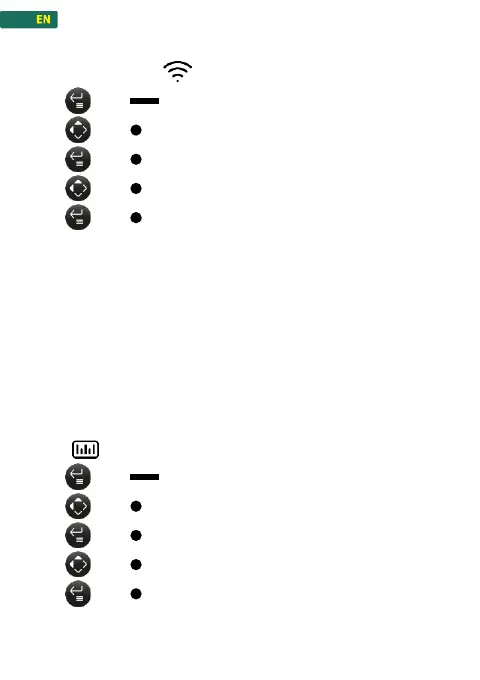
1. press , to enter the menu
2. press , navigate to Wireless connection
3. press , confirm
4. press , to select «On / OFF»
5. press , to confirm selection
To establish a connection, the Wireless connection icon must
flash, indicating that the scale is searching for a connection. Once
a connection to a device is established, the icon lights up
continuously.
The connection to the scale is made via the REFMATE or the
REFMESH. While the connection to an external valve (Valve
control) takes place via the scale. If the Wireless configuration is
Off, incoming and outgoing connections are not possible.
1. press , to enter the menu
2. press , navigate to Units
3. press , confirm
4. press , to change the units
5. press , to confirm the units



 To Next Page