ENGLISH
24
Menu Commands - Preview
1. Zoom In: Magnify image.
2. Zoom Out: Reduce image.
3. Rotate 90 Left: Turn the image 90° counter clockwise.
4. Rotate 90 Right: Turn the image 90° clockwise.
5. Flip Horizontal: Flip the image horizontally.
6. Flip Vertical: Flip the image vertically.
7. Revert
cations and restores the image back
original state in preview windows.
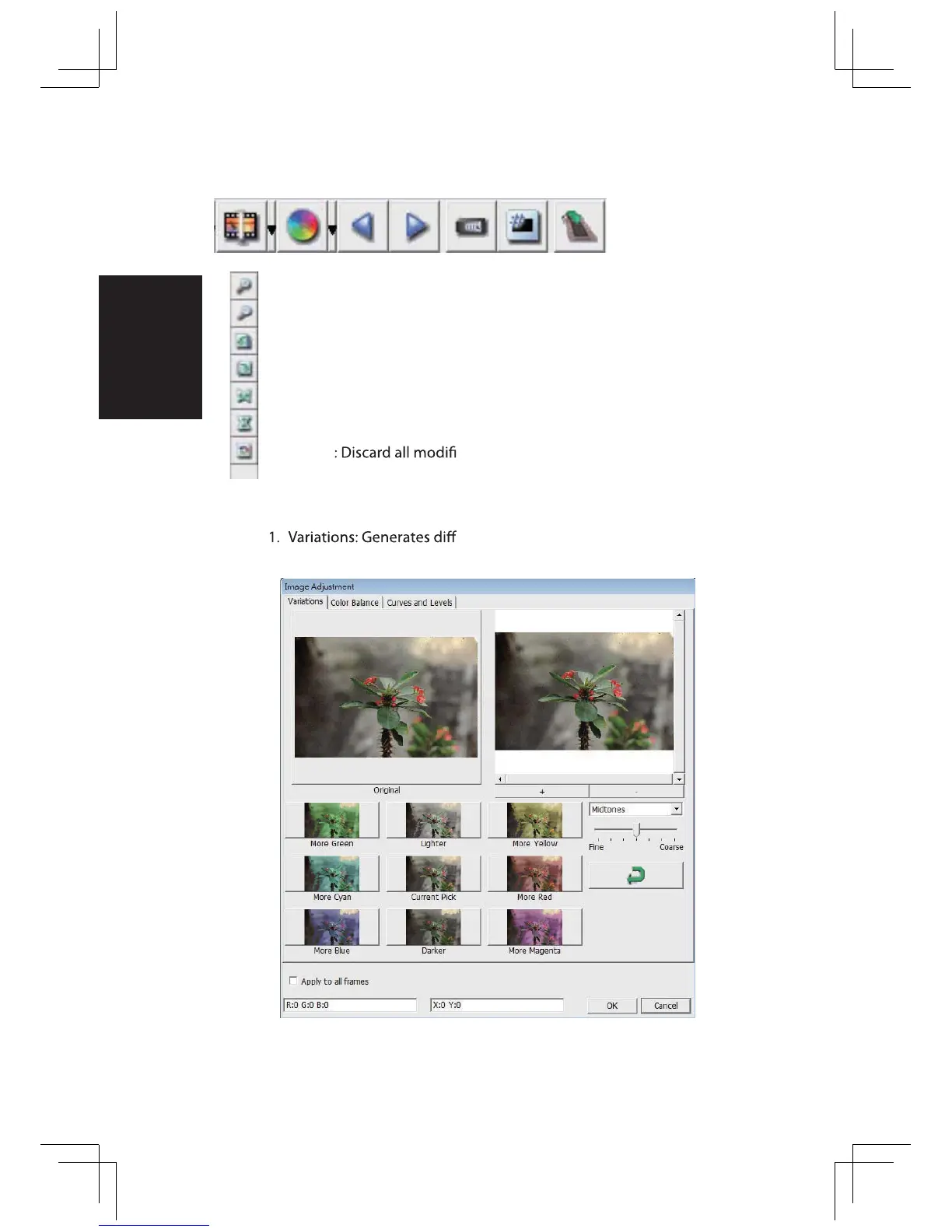
a. Image Adjustment
erent views of image with options
changes to highlights, midtones, etc.















 To Next Page