-
11
-
4. Using the reflecta x120
Press Power button to power on the unit.
Press Power button to power off if you do not want to
use the reflecta x120.
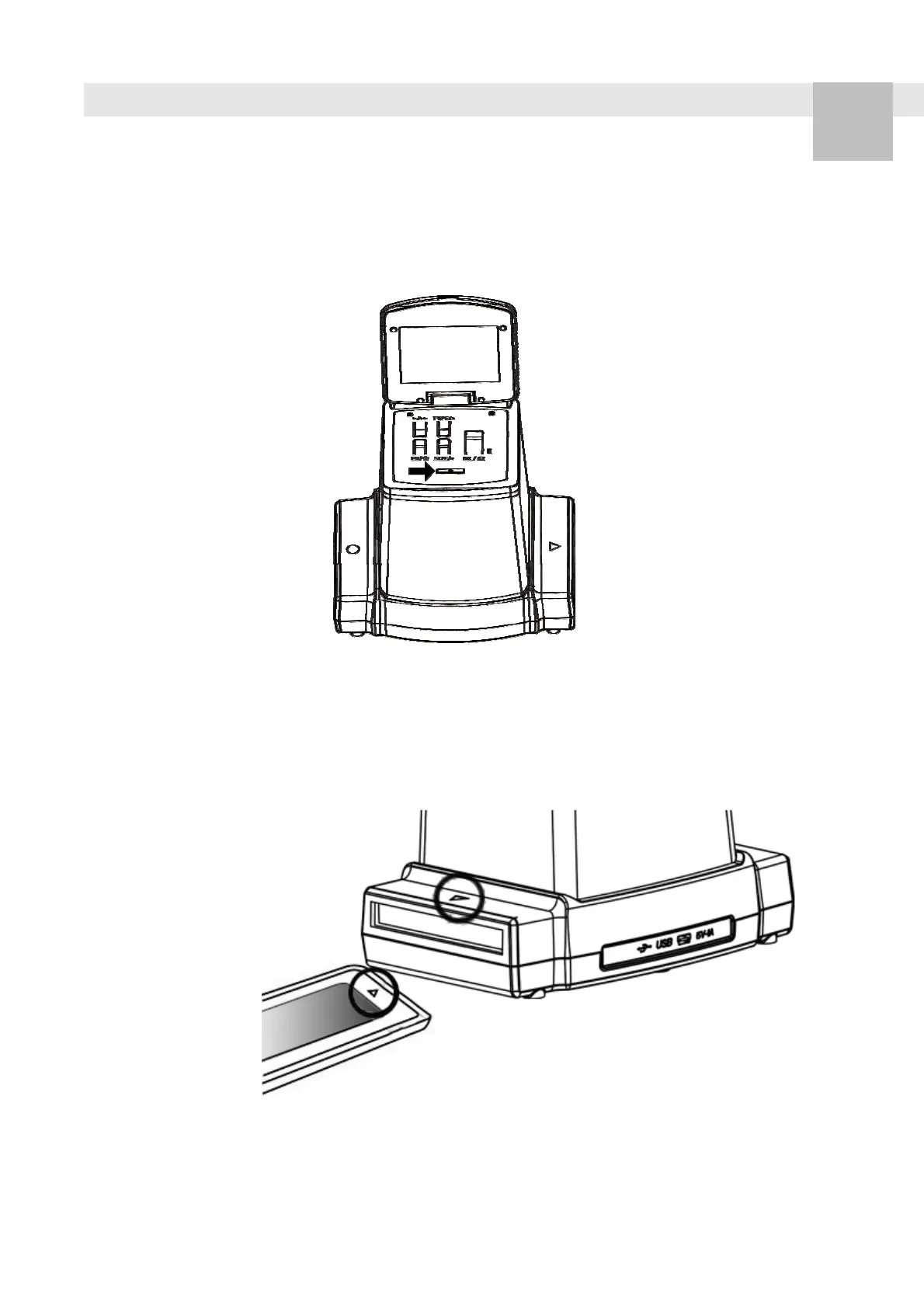
1. Insert the loaded film holder properly into the slot
according to the
▲
or
●
sign shown on the reflecta
x120 and film holder.
(Insert through the right entrance)
EN















 To Next Page