-
24
-
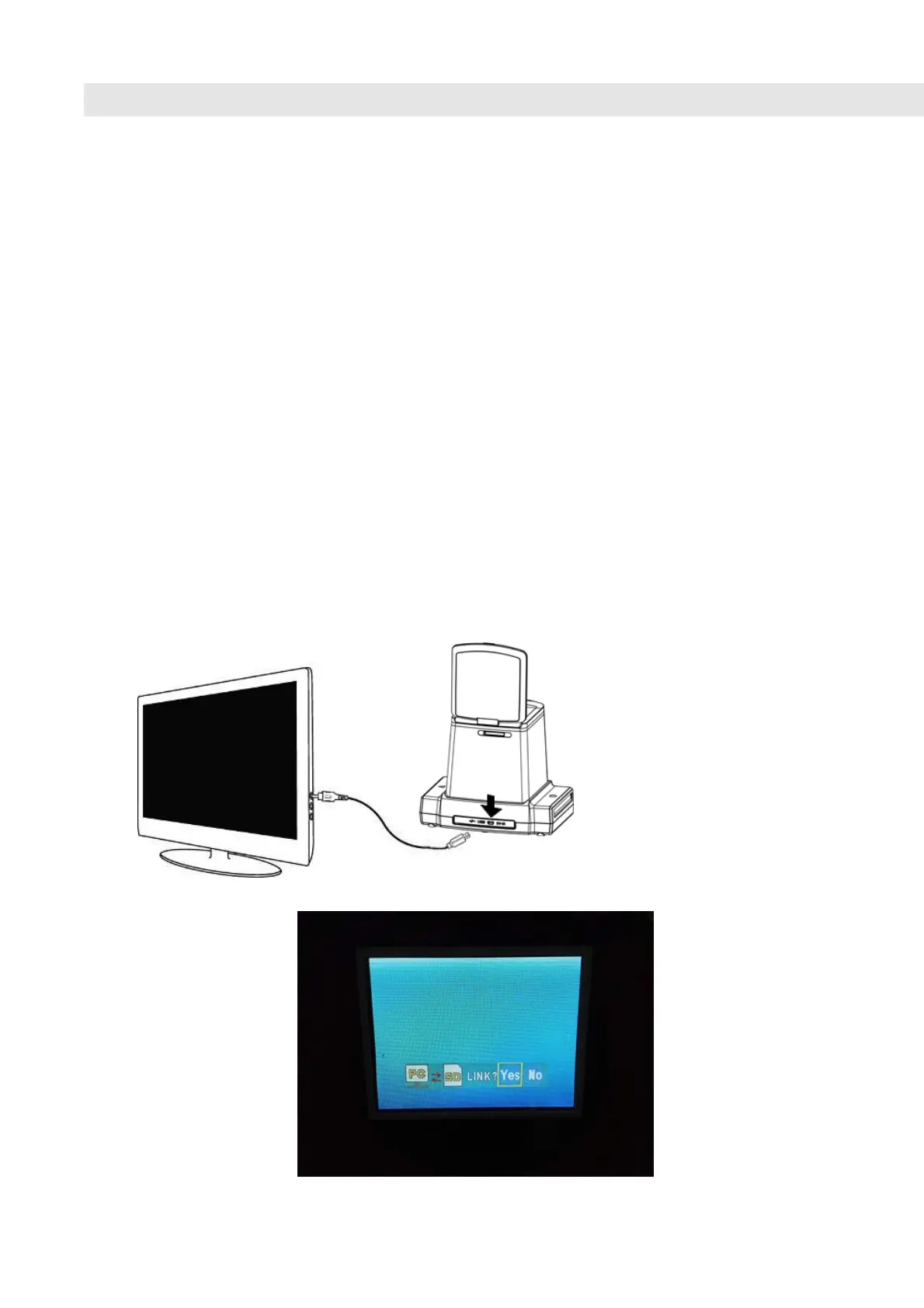
9. Viewing Images from TV
Connect your copier to the HDTV by the USB cable. The
copier only support to those HDTV model with USB link.
1 Turn on the HDTV set and select USB link from the
HDTV set (See section of USB link in HDTV manual).
2 Turn on the power of the Copier and select YES for
TV connection, and the LCD will turn OFF
3 For operating the playback/review images on the TV
screen, please refer to the operation of USB link
(U-link).from the HDTV manual.
4 Your HDTV or SHDTV(4k/2K TV) will display full
HDTV or SHDTV resolution of the image, depending
on the resolution of your TV set.















 To Next Page