-
18
-
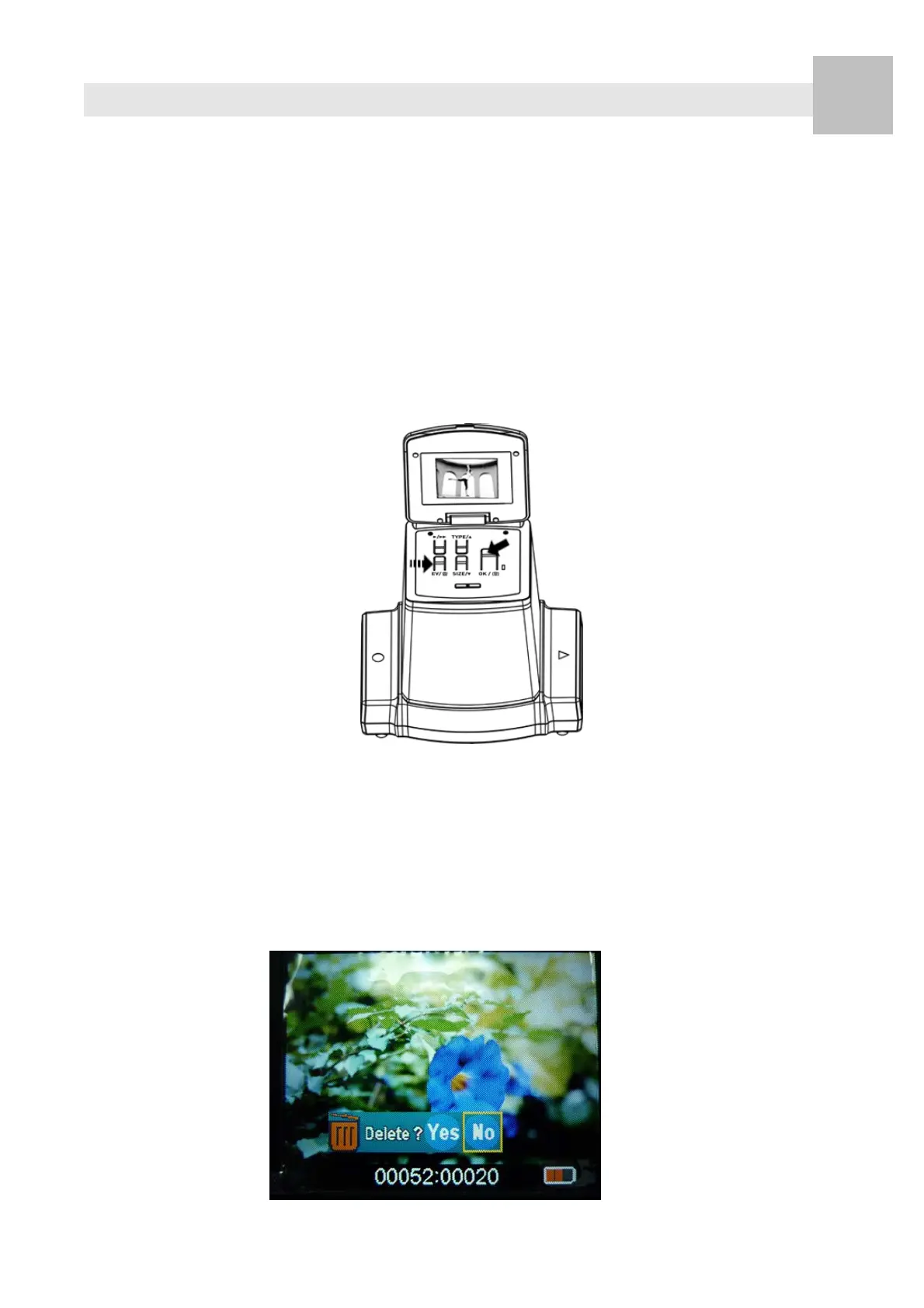
6. Delete Mode
1. Under Playback Mode
Press Delete button once then OK button to delete
current image stored in the card.
2. Press Delete button twice then OK button to delete all
images stored in the card.
3. Press Delete button three times then OK button to
format SD card.
4. Press Delete button again will go back to the playback
Mode
Note: a. Formating SD card will delete all the files in the
card. Download your files in the SD card into your
computer before the SD card is formatted.
b. If you don’t want to delete images, please push down
button once, then ok button to select “NO.”
EN















 To Next Page