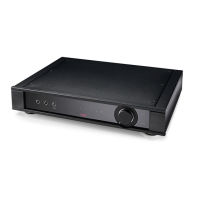
Setup
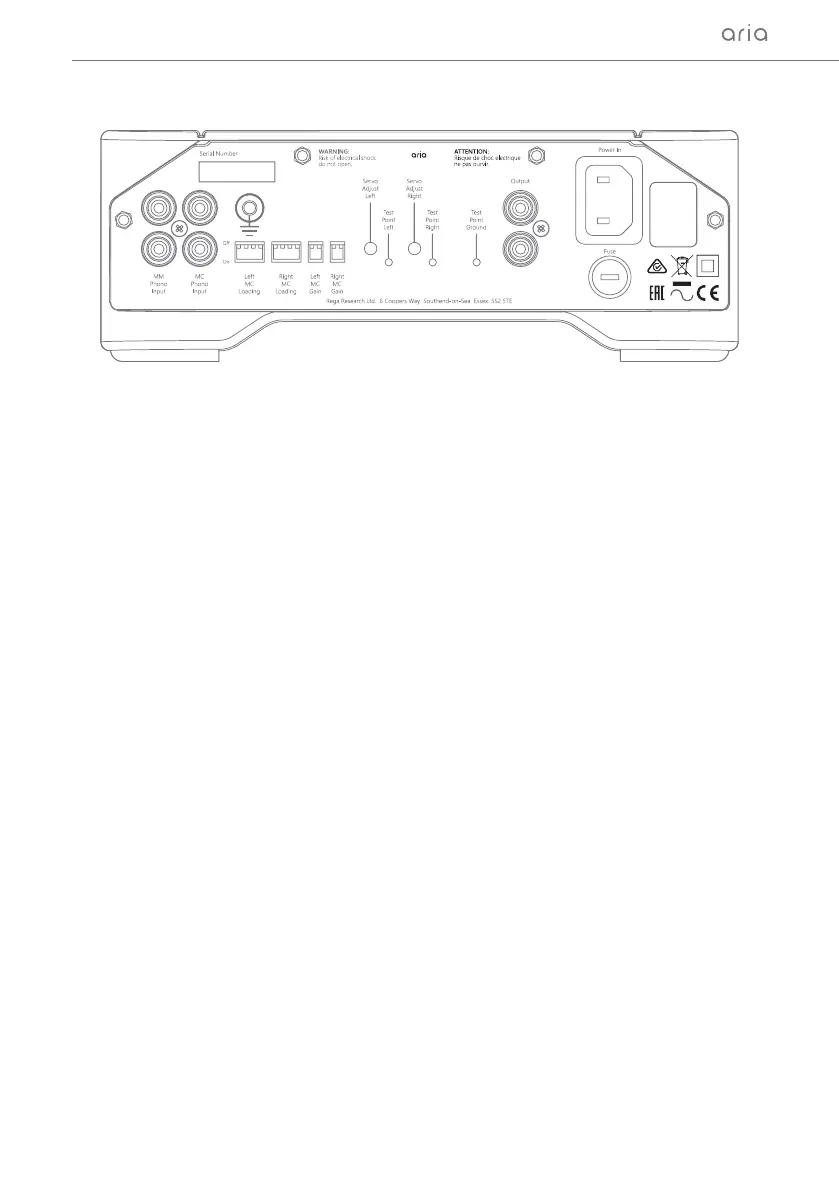
Separate inputs are used for moving magnet and moving coil cartridges. Connect your turntable’s
tonearm cable to the appropriate input sockets on the back of the Aria. If your tonearm has a separate
earth this should be rmly connected to the earth terminal shown on the rear panel in the diagram
above.
Connect the Aria to your amplier via the sockets marked Output to the appropriate line level input on
the back of your amplier. Use a high quality phono cable such as the Rega Couple 2 (not supplied).
The mains power lead (supplied) should be connected to the IEC socket on the right hand side located
above the fuse holder.
N.B. Always switch both pre and power amps off before changing any connections.
Le and Right MC Loading Resistance
1 and 2 off = 400 Ω
1 only on = 100 Ω
2 only on = 150 Ω
1 and 2 on = 70 Ω
Capacitance
3 and 4 off = 1000 pF
3 only on = 2000 pF
4 only on = 3200 pF
3 and 4 on = 4200 pF
Le and Right MC Gain
1 off and 2 on low gain = 63.5 dB
1 on and 2 off high gain = 69.3 dB
Back Panel Connectivity
Loading Seings (Adjustable via back panel)
3


 To Next Page