Powering Up
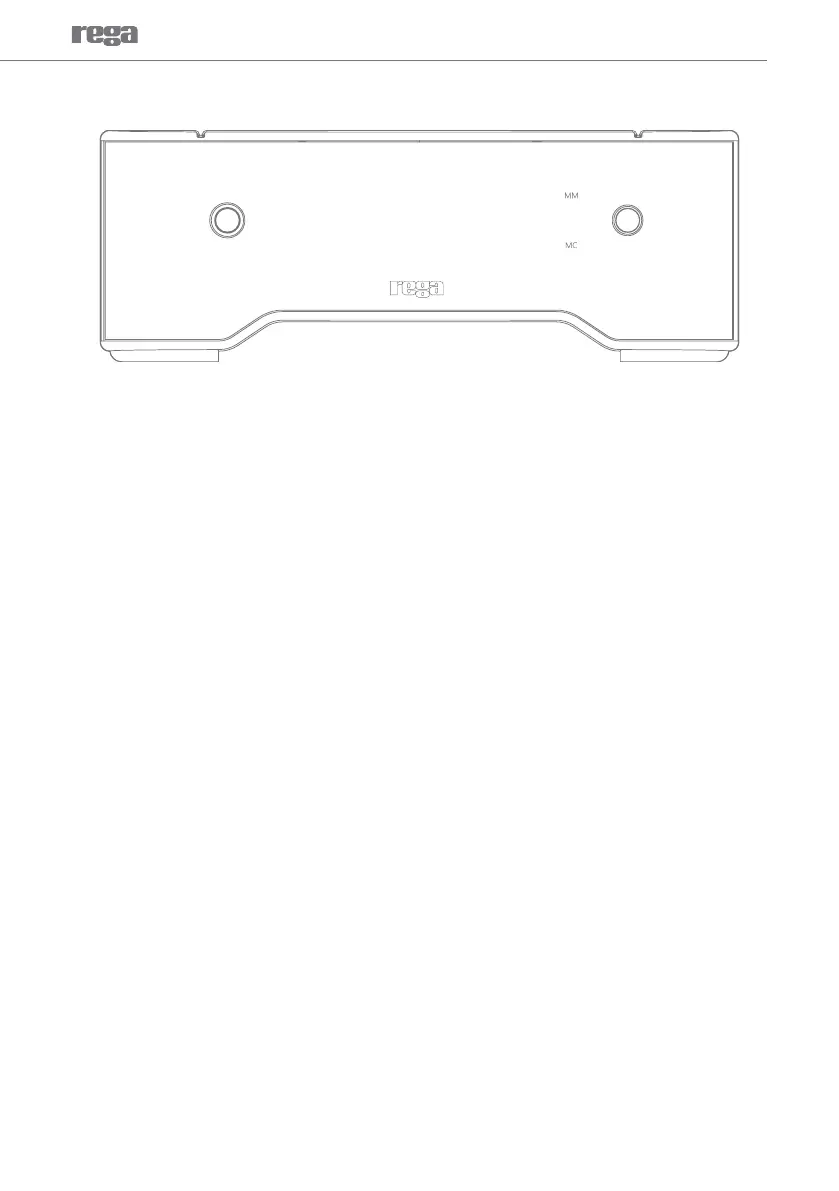
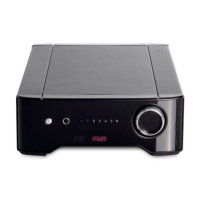
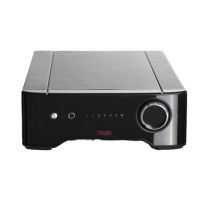
The Aria is activated by pressing the On/Off button situated to the left of the control panel. The REGA
logo will glow RED. It is recommended to activate the Aria before the power ampliers and deactivate
after they have been switched off.
N.B. The unit will be muted for approximately 5 seconds when powered-up or switching between
inputs. MM or MC inputs are selected by pressing the input button on the front panel. The LED
indicator will show the selected input. When switching between MM & MC the Aria goes into mute
briey to avoid any intrusive switching noise whilst the circuitry settles. When switching between MC
and MM both LED’s will temporarily light, with a short delay in the audible ‘click’ of the relay. This is a
function of the mute and relay contact cleaning / activation circuit and is normal.
Front Panel Indicators
4


 To Next Page