03
ENSATURN MK3
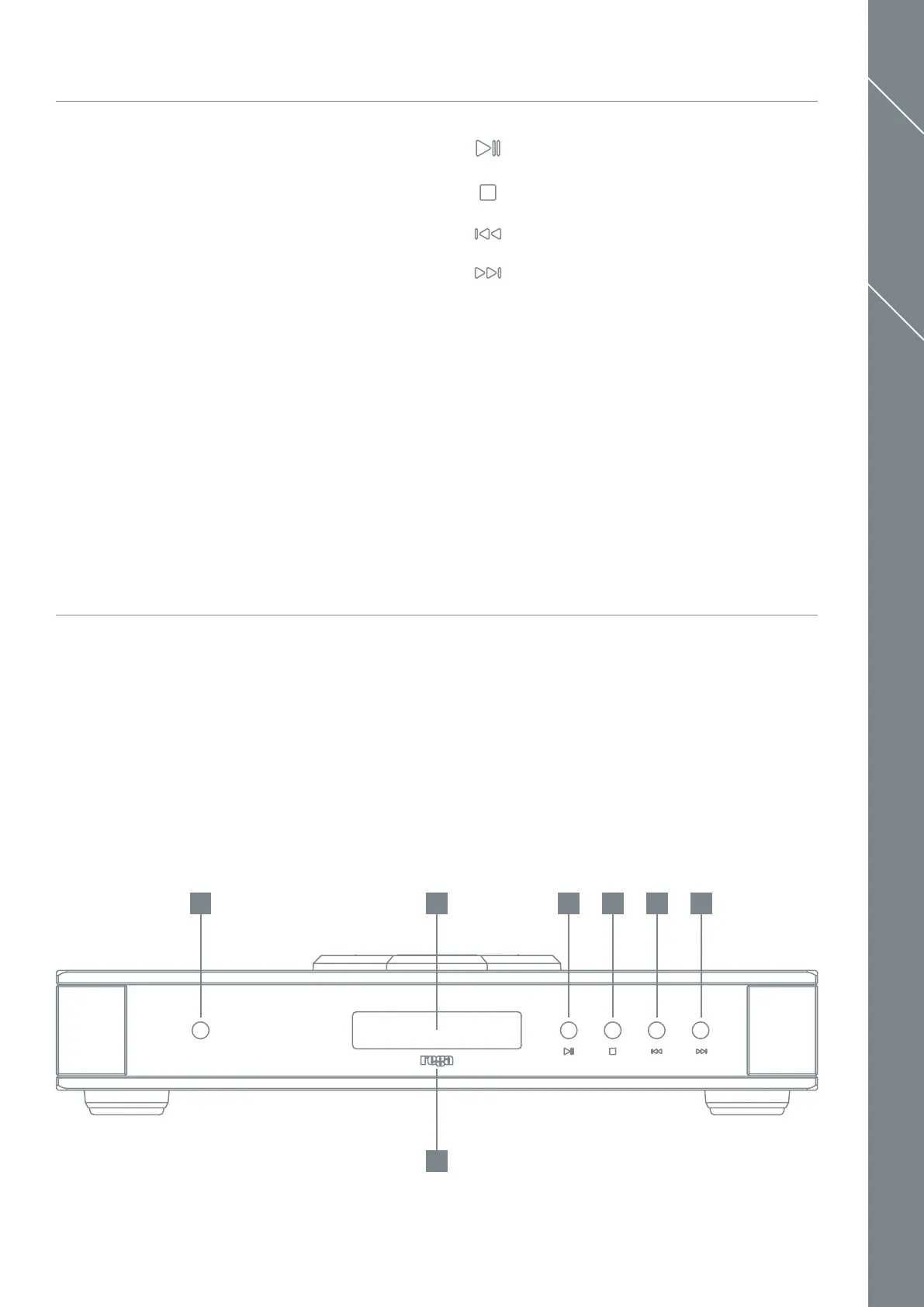
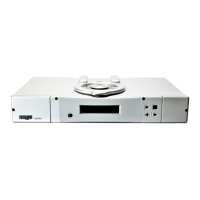
13. Power On
14. Display
15. Rega Logo (illuminated when powered on)
16. Play / Pause Button
17. Stop Button
18. Skip Track Backward
19. Skip Track Forward
CONTROLS
FRONT PANEL INDICATORS AND
CONTROLS
Basic control of the Saturn CD functions are possible via
the buttons on the front panel. To power the unit, press the
button located on the left hand side of the player directly
above the REGA logo. When powered up, the Rega logo
will illuminate RED. More detailed control such as MP3
functionality and switching to DAC mode is available via the
supplied Solaris remote handset.
Play / Pause Button
Stop Button
Skip Track Backward
Skip Track Forward
13 14 16 17 18 19
15


 To Next Page