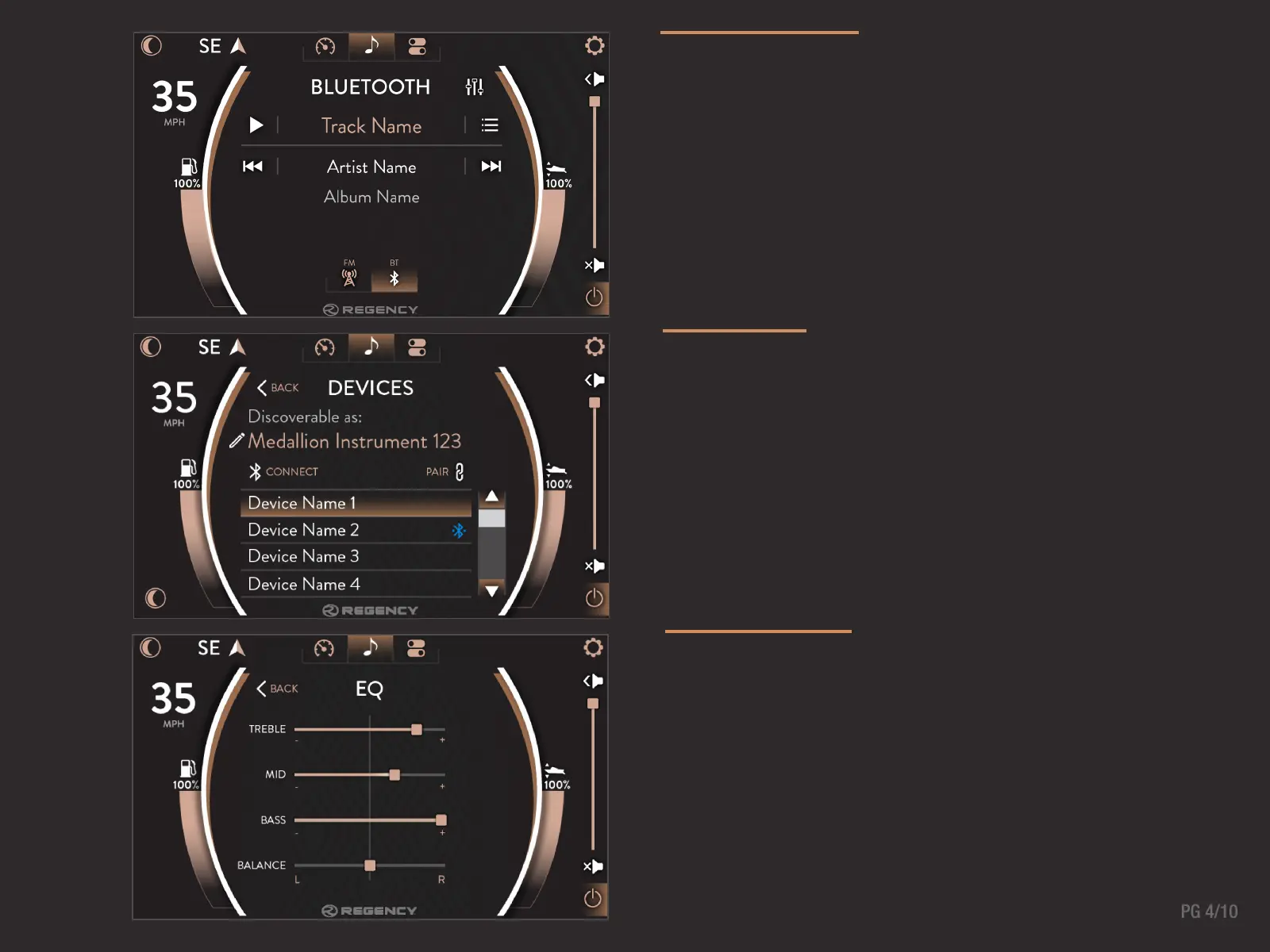
DEVICES
Devices can be viewed through the Bluetooth Screen. At this
screen, the device display name can be edited, new devices can
be pair/connected, and devices can be removed.
BLUETOOTH
Touch Bluetooth to access a device that has already been paired
to your system, or connect new devices through this screen. The
The Bluetooth screen recognizes the audio playing from device
and provides information including the Track Name, Artist Name,
and Artist Title. The Equalizer and Devices can also be accessed
through this screen.
EQUALIZER
From the Equalizer page, the user is able to adjust the treble,
mid, bass and balance. It is recommended to leave the treble
and bass centered at 0..



 To Next Page