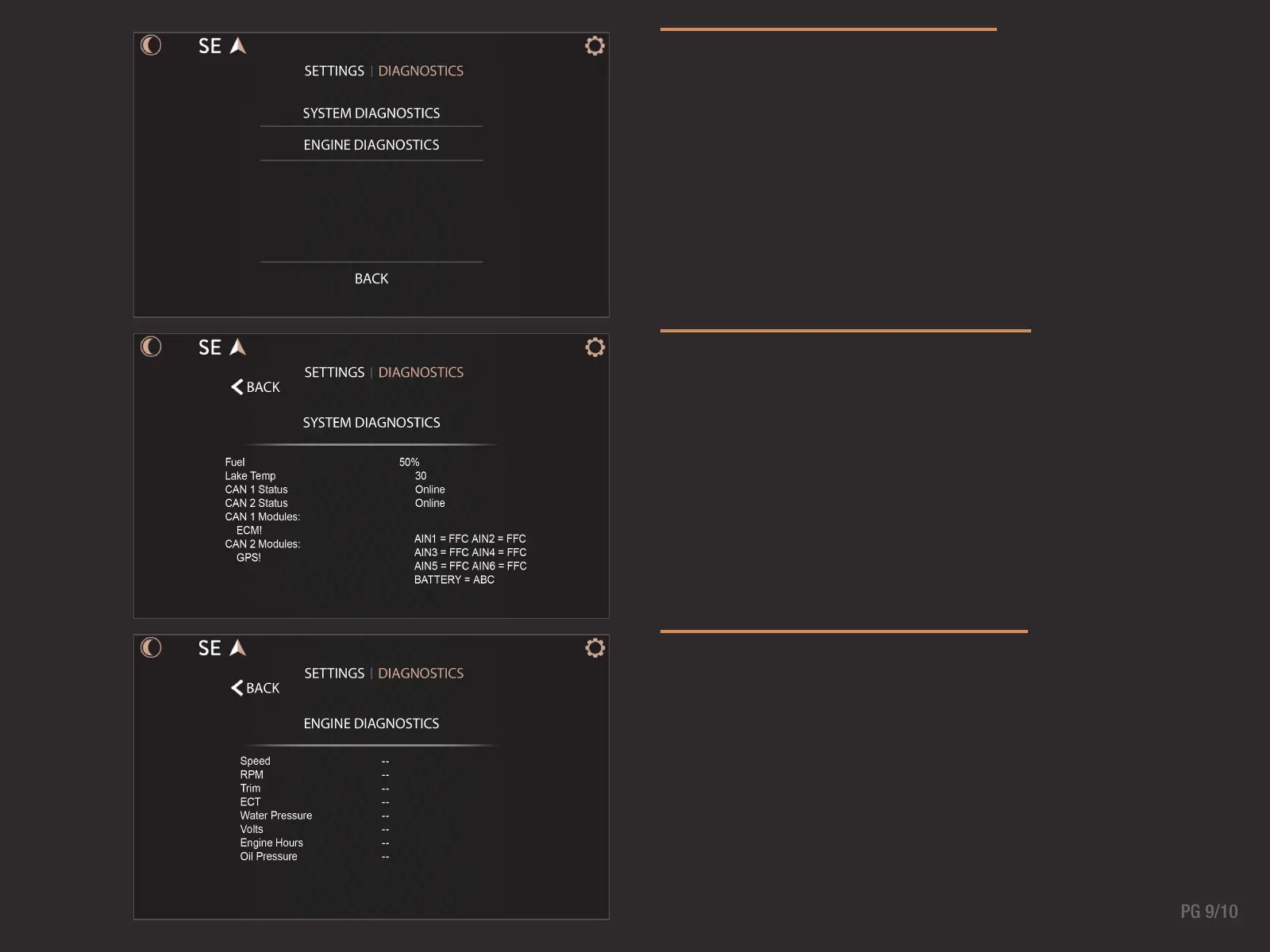
DIAGNOSTICS MENU
Displays on-screen diagnostic data from the Diagnostics
Settings menu. Information is broken down between engine
related diagnostics and system related.
SYSTEM DIAGNOSTICS
View boat sensors data, power module outputs, current
active or inactive engine alarms, and global positioning
system status in the System Diagnostics screen. CAN
modules will turn green when the modules are detected.
CAN modules will turn gray when there is no communication
between the display and the module.
CAN 1 = Engine Communication Network
CAN 2 = Boat Accessory Communication Network
ENGINE DIAGNOSTICS
View engine related data such as speed, RPM, trim level,
water pressure, voltage, engine hours, etc. in the Engine
Diagnostics screen.



 To Next Page