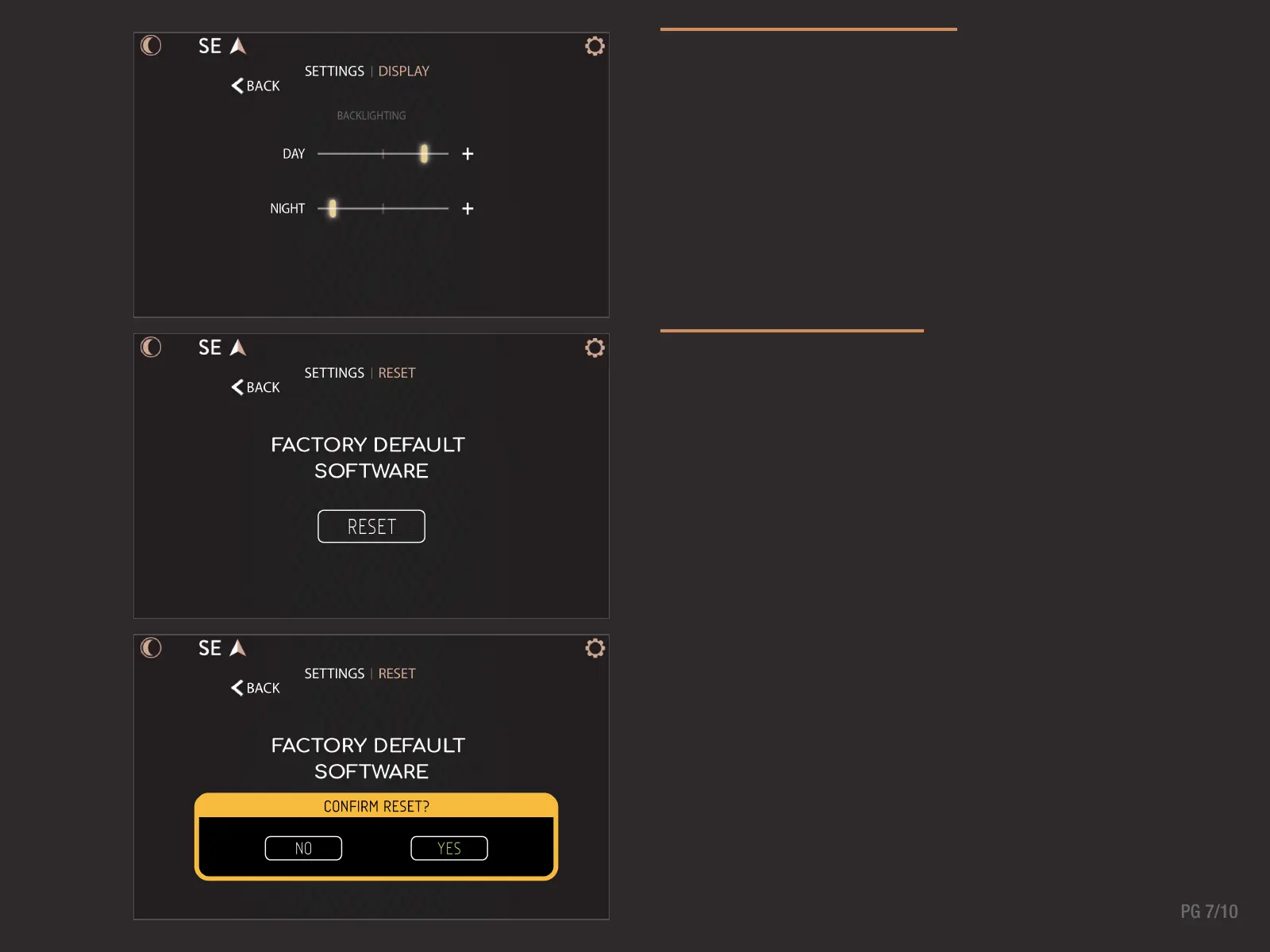
DISPLAY OPTIONS
Adjust backlighting brightness levels for Day and Night
modes in the Display Options Screen. The Night Mode button
toggles between the two set-points.
FACTORY RESET
Restore your system back to the default factory settings in
the Factory Reset screen. Tap the Reset button and Yes on the
confirmation alert to revert all settings.



 To Next Page