FPI FireGenie
TM
Remote Control Manual 13
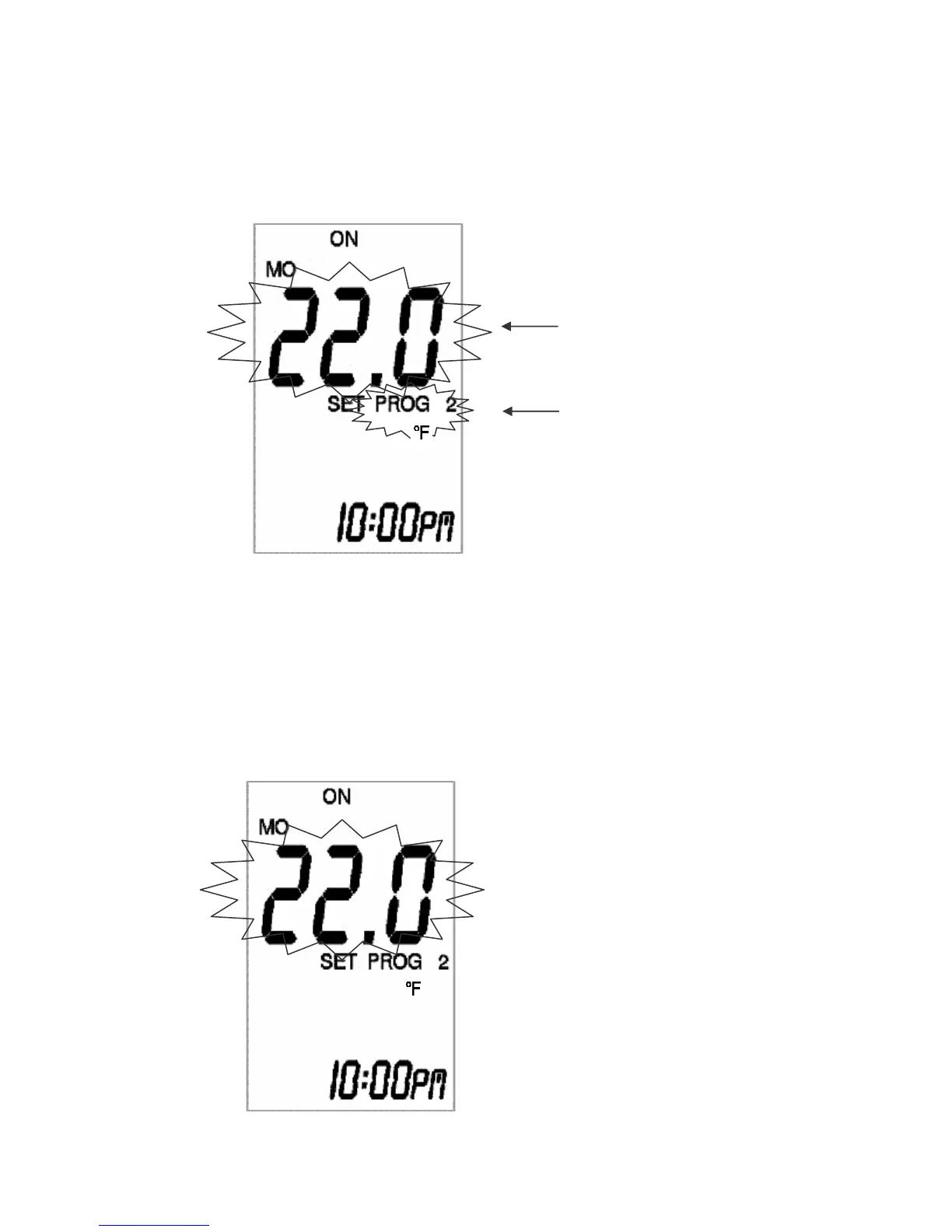
Time Zone 2 Set Temperature
Programming of Time Zone 2
6) Programming the Set Temperature of Time Period 2
Press and release the PROG button one more time to program the Set Temperature of Time
Period 2. Use the “+” and “-” buttons to adjust the temperature setting.
See step 7b) immediately if you would like to copy the set program over to other days of the
week.
7a) Programming the Rest of the Week
Repeat steps 2 to 6 until all 7 days have been programmed.
7b) Alternatively, Copy Programs Over to the Other Days
While the Set Temperature of Time Period 2 is still fl ashing, pressing and holding the PROG
button for 2 seconds or longer will initiate the copying process.
Time Period 2 Set Temperature
Programming of Time Period 2
Time Period 2 Set Temperature
is ashing.


 To Next Page