37
APPENDIX А
CALIBRATION OF THE READER
A.1 Device calibration provides both accurate
color rendering of the object in obtained images and
correction of document illumination unevenness.
The reader is calibrated by the manufacturer.
In case of illumination and color unevenness in
obtained images, it is recommended to calibrate
the device in order to compensate for possible
changes in conditions of object illumination caused
by light source degradation or software changes.
A.2 Calibration procedure
1. Prepare the device for operation according to
paragraphs 2.2.3–2.2.4.
2. Execute the DR SDK command RPRM_
Command_Calibration (see the Programmer’s
Guide, paragraph 6.5) in the User’s application or
execute the Test Application Readerdemo.exe menu
command «File\ Device\ Calibrate…» (see «Test
Application (Readerdemo.exe). User’s Guide»).
Note: If the reader has never been calibrated, DR SDK
will automatically display a request for calibration.
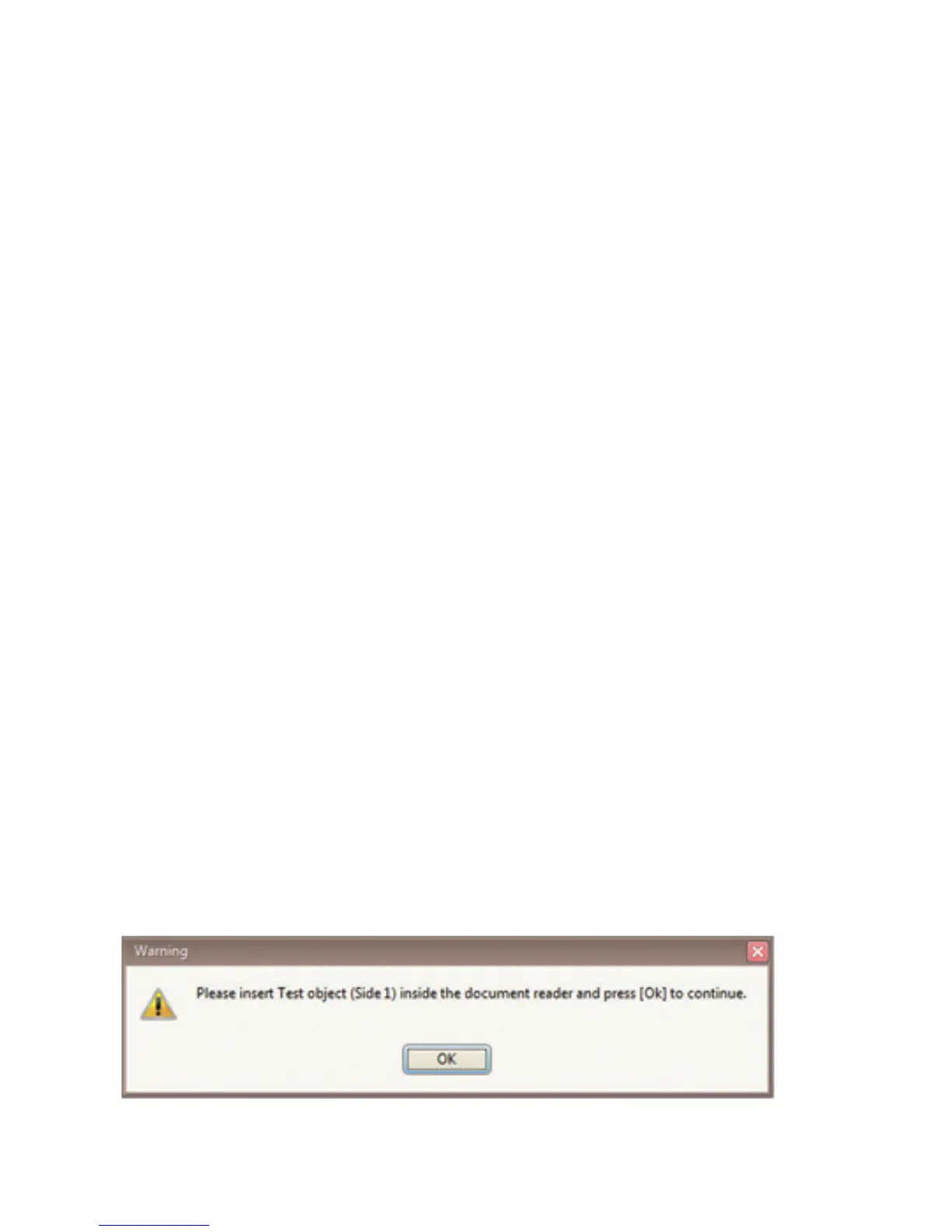
3. When the DR SDK dialog window is displayed,



 To Next Page