P7
P8
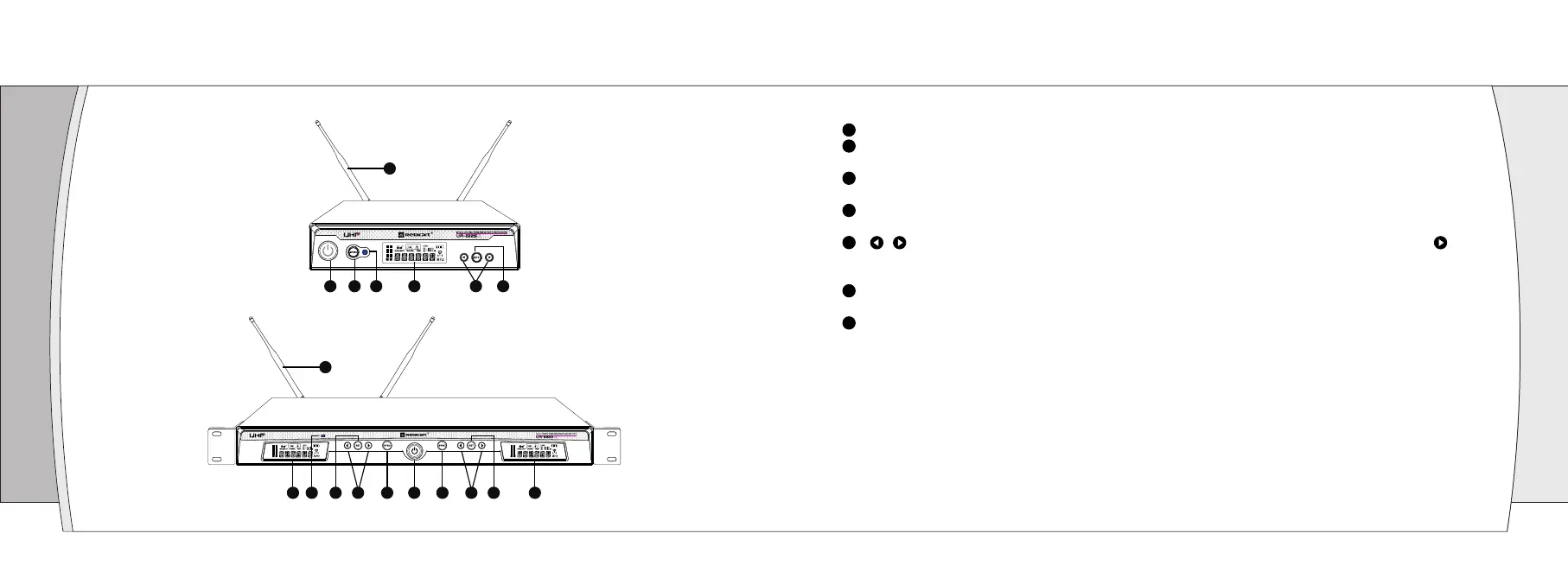
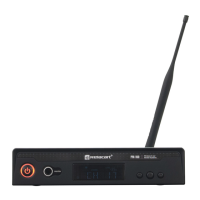
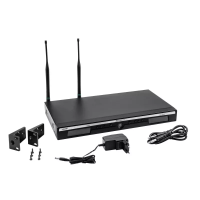
Receiver Front Panel Function Introduction
05
(UR-222S)
(UR-222D)
1
7
2
3
4 5 6
1 253
7
24 4
6
5
6
Power switch: Turn on the receiver of power supply, long press to turn off the receiver.
“SYNC” button: When the infrared frequency window of the receiver and transmitter is aligned, press the
“SYNC” button, synchronization of transmitters via IR interface from receiver.
Infrared data transfer window (IR) : Transmit channel data from the receiver to the transmitter, so that they
are in the same frequency, in order to realize the synchronization.
LCD display: Display working channel or frequency, RF/AF, diversity strengths, transmitter battery level,
mute and operation menu.
“ / ” allow control button: Press the allow button to edit the menu parameter values; Long press “ ”
button to enter [AFS] auto- scan function and the receiver will auto- scan and lock on to an open,
interference-free frequency.
“SET” button: Press to step through menus, choose operating frequency and select receiver function
options.
1/2 wavelength BNC antenna: Used to receive radio transmitter for transmission.
1
3
4
5
2
6
7


 To Next Page