EasyManua.ls Logo

Reliable 4000IS - User Manual

Reliable 4000IS
20 pages
Print Icon
To Next Page IconTo Next Page
Loading...
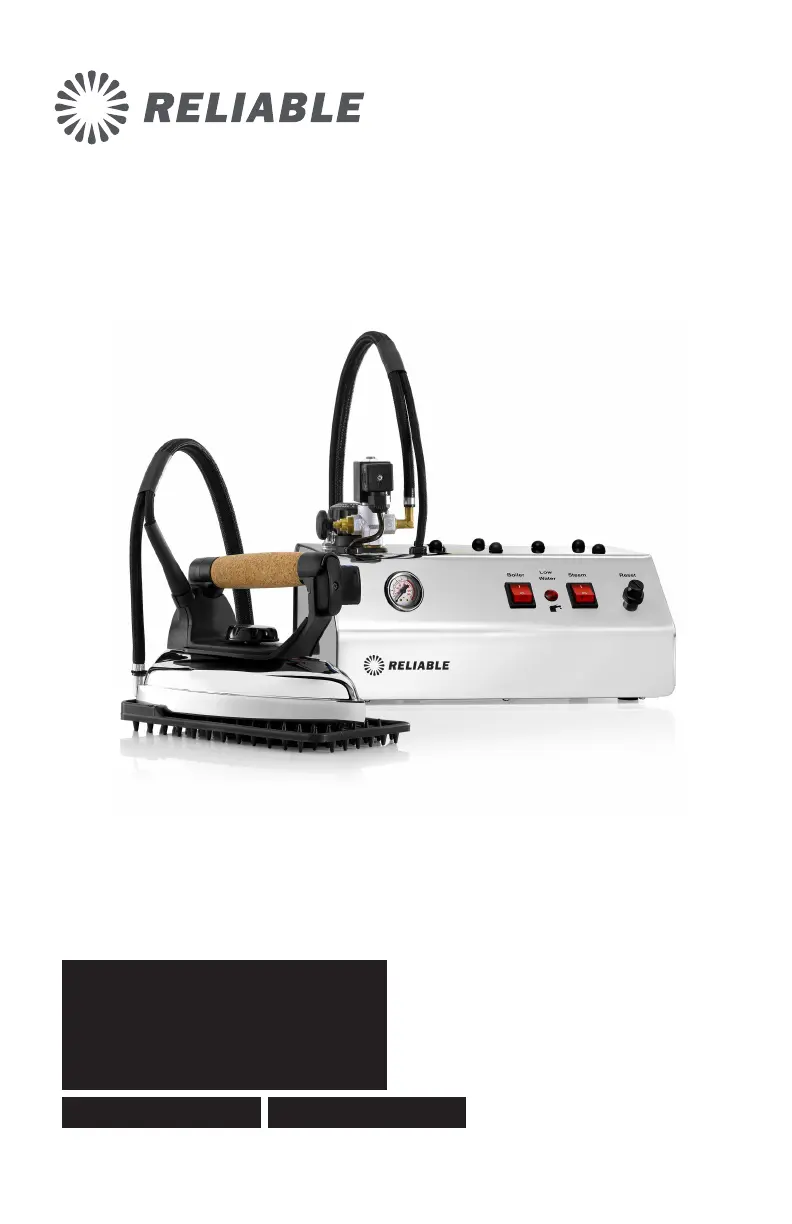
INSTRUCTION MANUAL
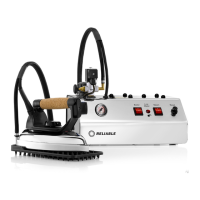
4000IS
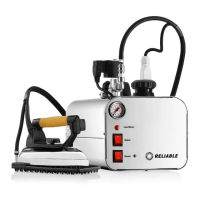
PROFESSIONAL IRONING SYSTEM

Questions and Answers

  • A
    Arthur McdonaldAug 11, 2025
    Why is there no steam coming from my Reliable 4000IS?
    • R
      Roger MaddenAug 11, 2025
      If your Reliable Iron isn't producing steam, several factors could be at play. First, check if the steam knob is closed and open it anticlockwise. Also, ensure the iron switch is on and allow 4 minutes for the soleplate to heat up. Similarly, if the boiler switch was off, turn it on and wait 10 minutes for steam production. Finally, if the low water light is illuminated, refill the boiler following the instructions or press the reset button.
  • A
    Allison JarvisAug 20, 2025
    How to fix wet steam from my Reliable 4000IS?
    • B
      Beverly CarrollAug 20, 2025
      If the steam from your Reliable Iron is too wet, it could be due to overfilling the water tank. Allow the excess water to empty by keeping the steam button pressed until the water level is correct. Alternatively, the soleplate might not be hot enough. Ensure the temperature knob is correctly positioned and increase the iron temperature if needed.
  • A
    Anna CraigAug 31, 2025
    What to do if my Reliable Iron shuts off automatically?
    • R
      Robin NelsonAug 31, 2025
      If your Reliable Iron shuts off automatically, it might be due to low water levels. First, press the steam iron button to ensure there's no more steam in the boiler. Then, slowly open the pressure cap and refill to the required level with warm water. Replace and tighten the cap, then press the thermostat reset button and wait for it to build up pressure again.

Reliable 4000IS Specifications

General IconGeneral
BrandReliable
Model4000IS
CategoryIron
LanguageEnglish

Related product manuals