16
TAKING A MEASUREMENT
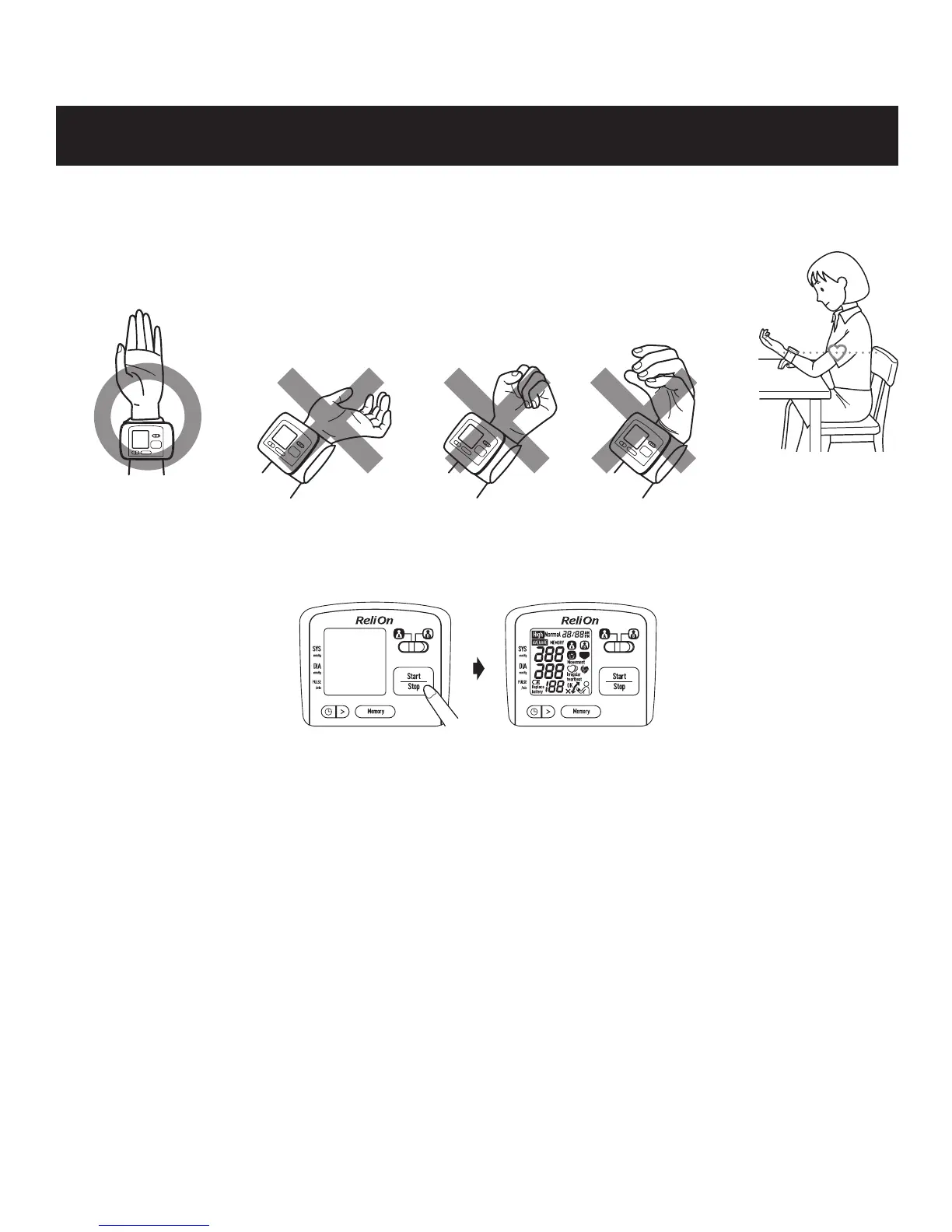
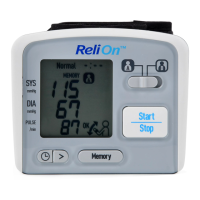
2. Select the user ID ( A or B).
3. Press the Start/Stop button. All symbols appear on the display.
1. Sit comfortably with the elbow of the arm being measured resting on a table
and elevate cuff wrist to heart level.
TM
TM
The monitor has a built-in positioning indicator that is used as an aid in determining if
the monitor is at the correct height. Due to difference in individual size and physique,
this feature may not be helpful in all cases and you may wish to turn off this feature. If
you
feel the position of the wrist according to positioning indicator's guidance does NOT
match your heart height, please turn off this feature.
NOTE: Even if the device is not positioned properly, after 5 seconds the monitor
will still start the measurement and the wrist cuff will start to inflate.
The monitor is designed to store the blood pressure and the pulse rate in the memory
for two people (user A or user B) every time a measurement is completed.
For more information on setting the built-in positioning indicator, please refer to the
“
Setting the Positioning Indicator
”
.



 To Next Page