EasyManua.ls Logo

ReliOn BP200 - User Manual

ReliOn BP200
36 pages
Print Icon
To Next Page IconTo Next Page
Loading...
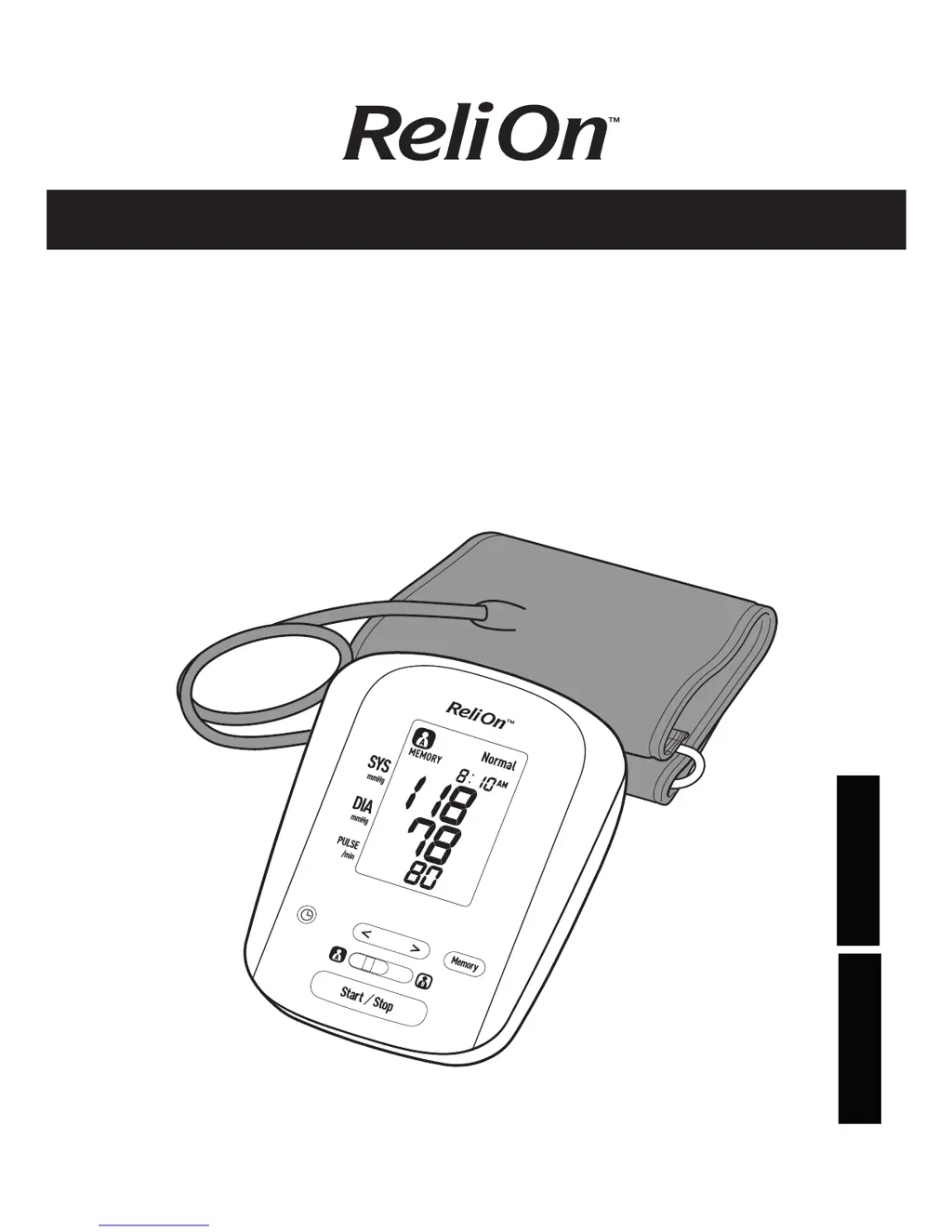
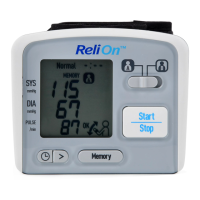
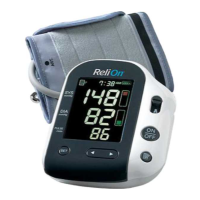
BP200 Blood
Pressure Monitor
Model HEM-741CRELN4
INSTRUCTION MANUAL
ESPAÑOL
ENGLISH

Questions and Answers

  • L
    longheatherJul 27, 2025
    What to do if my ReliOn Blood Pressure Monitor has no power and no display?
    • R
      rachel22Jul 28, 2025
      If your ReliOn Blood Pressure Monitor has no power and the display is blank, replace all four batteries with new ones. Also, check that the batteries are installed correctly, paying attention to the proper placement of the battery polarities.

Summary

Safety Information

General Usage

Provides essential guidelines for safe and proper daily use of the monitor.

Battery Usage

Details correct procedures for installing and handling batteries.

General Precautions

Lists critical precautions to prevent damage and ensure accurate readings.

Before Taking a Measurement

Know Your Unit

Unit Display

Display Symbols

Battery Installation

Setting the Date and Time

Applying the Arm Cuff

Applying Cuff on Left Arm

Provides step-by-step instructions for correctly applying the cuff to the left arm.

Applying Cuff on Right Arm

Provides step-by-step instructions for correctly applying the cuff to the right arm.

Taking a Measurement

Using the Memory Function

Care and Maintenance

Error Indicators

Troubleshooting Tips

ReliOn BP200 Specifications

General IconGeneral
BrandReliOn
ModelBP200
CategoryBlood Pressure Monitor
LanguageEnglish

Related product manuals