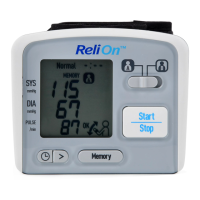
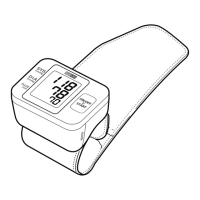
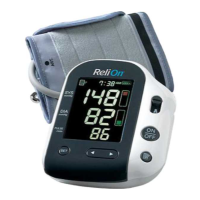
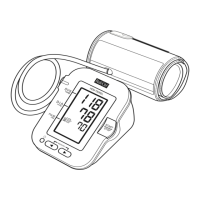
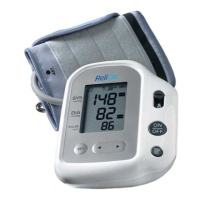
: To view the older values
: To view the more recent values
3. Press the or button to view the values stored in the memory.
4. Press the Start/Stop button to turn the monitor off.
• If there are no measurement values stored in the
memory, the screen to the right is displayed.
<
>
>
USING THE MEMORY FUNCTION
The monitor automatically stores the results up to 60 sets for each user (A and B). It
can also calculate an average value based on the last 3 measurement values taken
within 10 minutes.
TO VIEW THE MEASUREMENT VALUES STORED IN MEMORY
1. Select your USER ID (A or B).
2. Press the button to display the set of measurement values.
The Memory number appears for a second before the pulse rate is displayed. The
most recent reading is numbered “1”.
<
NOTES: • If the memory is full, the monitor will delete the oldest value.
• The date and time are alternately displayed with the
measurement values.
• When viewing the measurement value taken without setting the
date and time, "-:--" is displayed instead of the date and time.
TO VIEW THE AVERAGE READING
1. Select your USER ID (A or B).
2. Press and hold the button for more than 3 seconds.
19


 To Next Page