QUICK START GUIDE
ENGLISH
4 Version 1.0
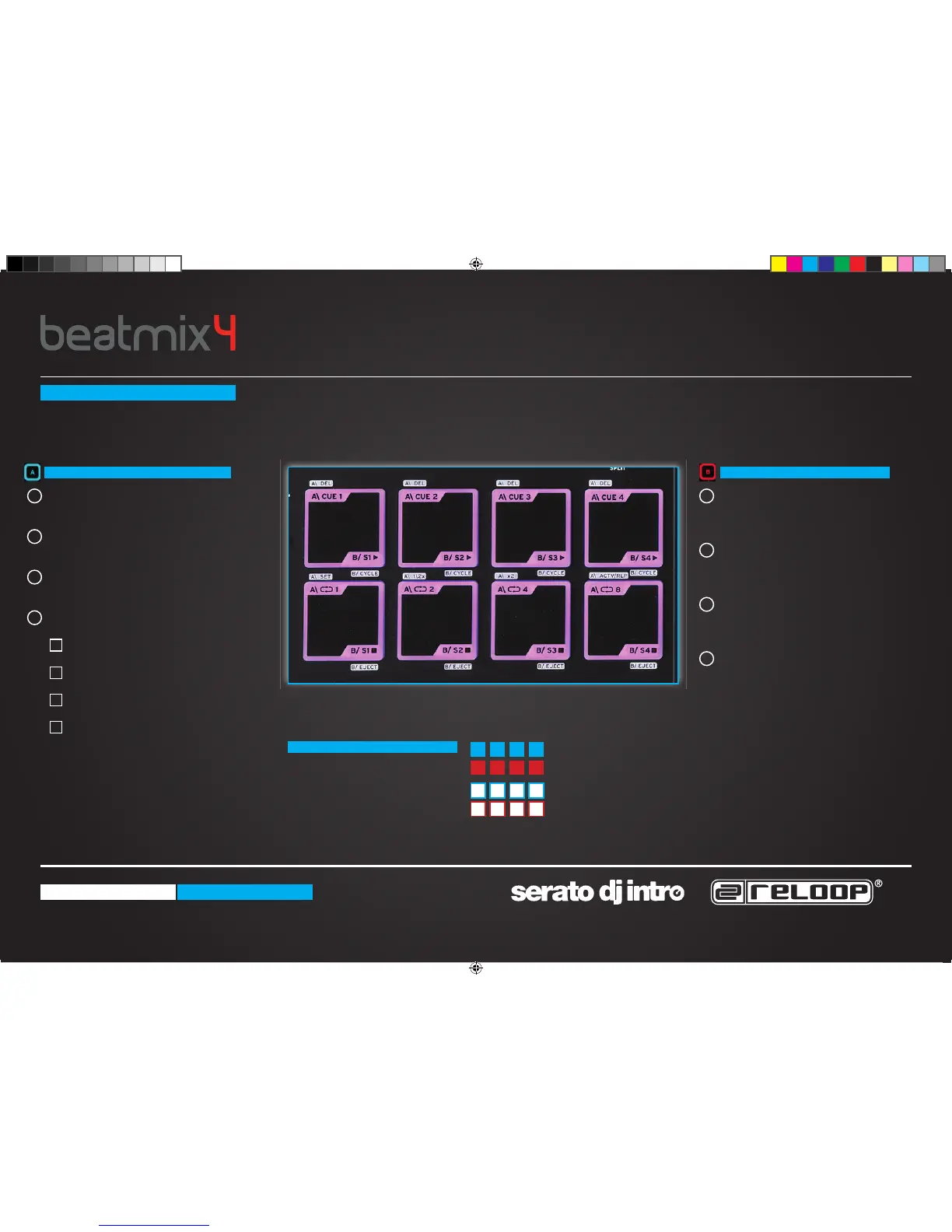
Top Row 4 Pads - CUE Points
Press an unlit pad to set a new CUE point.
Top Row 4 Pads - SHIFT + DRUM PAD
Deletes CUE points.
Lower Row 4 Pads - LOOP
Press the Drum Pad to activate a loop.
Lower Row 4 Pads + SHIFT - LOOP ADJUST
Drum Pad 1 - Sets a loop length.
Drum Pad 2 - Shortens the LOOP.
Drum Pad 3 - Lengthens the LOOP.
Drum Pad 4 - Replays the LOOP.
Top Row 4 Pads - SAMPLER PLAY
Pressing drum pads 1-4 launches a
sample.
Lower Row 4 Pads - SAMPLER STOP
Pressing drum pads 5-8 stops the
sample.
Top Row 4 Pads + SHIFT - CYCLE
Pressing 1 - 4 cycles through sampler
play types.
Lower Row 4 Pads + SHIFT - EJECT
Pressing drum pads 5-8 ejects the
sample.
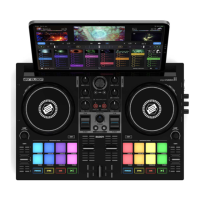
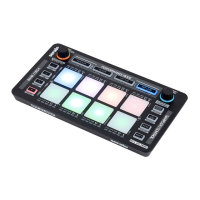
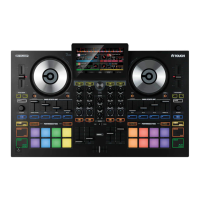
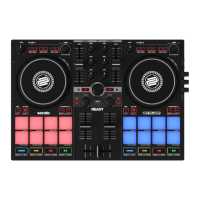
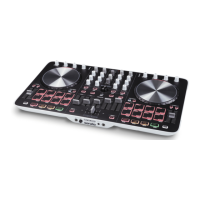
DRUM PAD SECTION
There are two Pad modes, A + B.
Pressing SHIFT in either mode
deletes or effects that function
Press A + B simultaneously to
split both modes across the top
and bottom of the drum pads.
PAD MODE A
SPLIT MODE
PAD MODE B
Top Row 4 Pads - CUE
Lower Row 4 Pads - SAMPLE PLAY
Top Row 4 Pads + SHIFT = DELETE CUE
Lower Row 4 Pads + SHIFT = STOP SAMPLE
1 1
2
2
3
3
4
4
A
B
C
D
QSG_Beatmix_4.indd 4 17.12.2013 13:49:29


 To Next Page