EasyManua.ls Logo

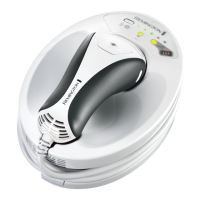
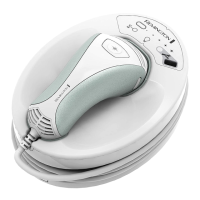
Remington IPL6000 i-Light Pro - User Manual

Remington IPL6000 i-Light Pro
44 pages
Print Icon
To Next Page IconTo Next Page
Loading...
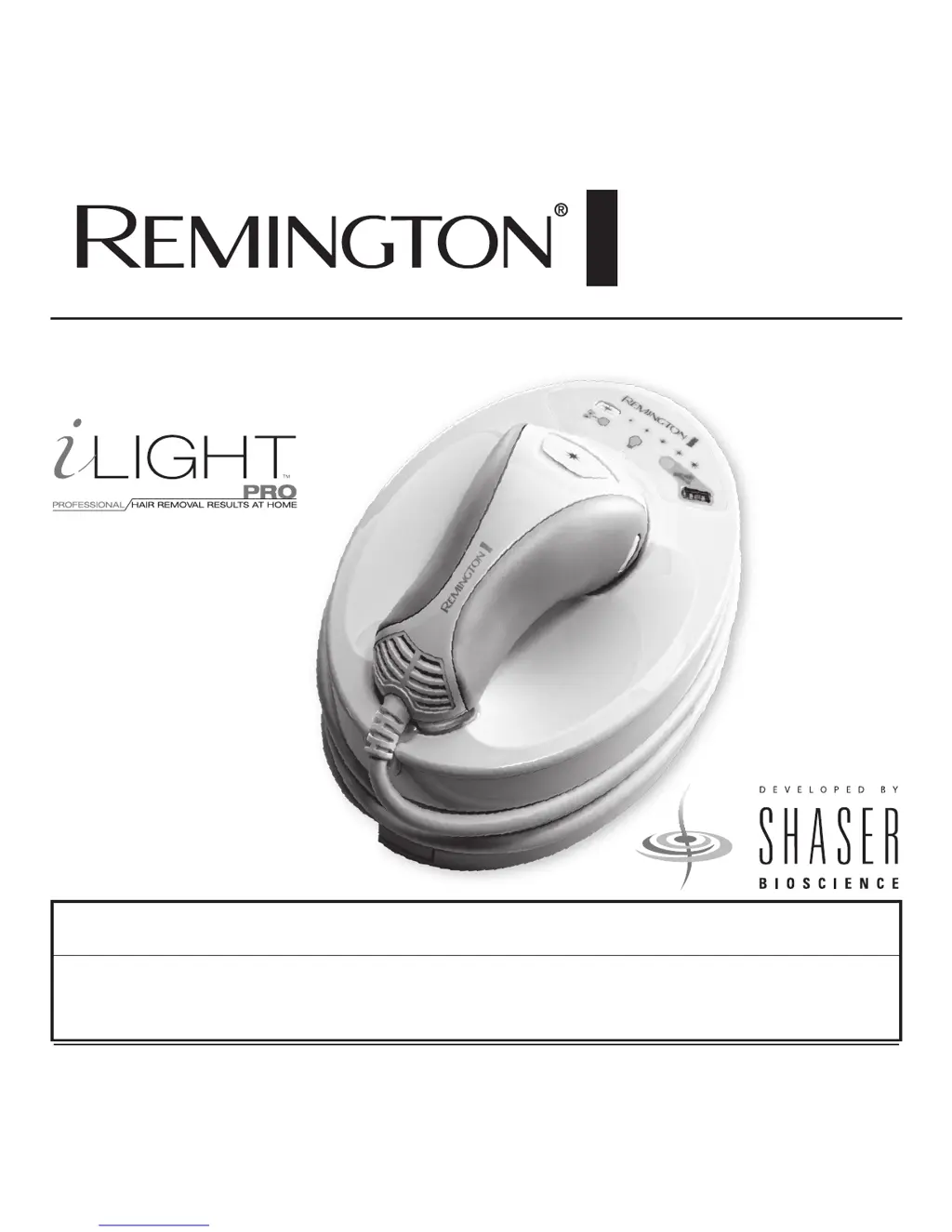
IPL6000
Use and
Care Guide
Register Your New Product Today!
By registering your new Remington
®
product, you will receive these important benefits:
Proof of Ownership • Product Protection • Product Registration • Special Offers
Register online at: www.RemingtonProducts.com

Questions and Answers

  • C
    Charles RiveraJul 27, 2025
    Why Remington IPL6000 i-Light Pro i-Light Pro doesn't flash when I press the flash button?
    • P
      Paul BrennanJul 27, 2025
      There are several reasons why your Remington i-Light Pro Hair Removal System may not be flashing when you press the flash button: * The system may need about 2 seconds to recover between flashes. The system will emit three beeps when it is ready. * The disposable cartridge may have reached its limit of 1,500 flashes and needs replacement. Check if the cartridge status indicator light is flashing yellow, and if so, replace the cartridge. * The cartridge may have misflashed. Try flashing 5 more times. If it still doesn't work, replace the disposable cartridge. * The cartridge might be damaged. If the unit chirps but doesn't flash, replace the disposable cartridge.
  • B
    Beth GrayJul 31, 2025
    How to fix a Remington IPL6000 i-Light Pro Hair Removal System i-Light Pro that does not start?
    • J
      Jacqueline RosalesJul 31, 2025
      If your Remington i-Light Pro IPL system isn't starting, here are a couple of things to check: * Ensure the power cord is correctly connected to both the i-Light Pro system and a working electrical outlet on the wall. * Verify the outlet is functioning by testing it with another device or checking if a wall switch controls the outlet.
  • M
    Molly GonzalezAug 6, 2025
    What to do if all the lights are flashing and the Remington IPL6000 i-Light Pro Hair Removal System is beeping?
    • J
      Jacob MooneyAug 6, 2025
      If all the lights on your Remington Hair Removal System are flashing and the unit is constantly beeping, consider the following: * Check that the nose cone is properly attached to the hand piece. You should hear a click when it's correctly assembled. * Your skin may be too dark for the system to operate safely. * Ensure you are using the skin tone sensor correctly.
  • K
    kennedydominiqueAug 11, 2025
    Why doesn't my Remington Hair Removal System hand piece beep when placed against the skin?
    • S
      Sydney BlackAug 11, 2025
      If your Remington Hair Removal System hand piece doesn't beep when placed against your skin, consider the following possible causes: * The system might be locked. Unlock it using the skin tone sensor. * Ensure that both skin contact sensors are fully touching your skin. The system requires full contact to operate. * If you're treating a small area, try pulling your skin taut to create a larger flat surface for the window to contact.
  • J
    Jeffrey LopezAug 16, 2025
    What does it mean when the cool down mode indicator is flashing on my Remington IPL6000 i-Light Pro Hair Removal System?
    • B
      Brian SanchezAug 16, 2025
      If the Cool Down Mode Indicator icon is flashing yellow and the system is beeping, it means the hand piece needs to cool down. Wait a few minutes for the system to cool down. If the room is too warm, try using the system in a cooler environment (less than 80° F or 27° C).
  • M
    Michael WalkerAug 21, 2025
    Why are the second and fourth energy level lights flashing on my Remington Hair Removal System?
    • K
      Kimberly CarterAug 21, 2025
      If the second and fourth ENERGY LEVEL lights are flashing and the system is beeping, the skin contact sensors may be stuck. Lift the hand piece from the base unit and check the skin contact sensors. Ensure they protrude slightly from the sides and can be depressed and spring back when released. If they don't move, they may need cleaning.

Summary

Introduction

System Functionality

System Diagram and Components

Getting to Know Your System

Quick Reference Guide

Intended Use

Intended Use

Defines the product's purpose, suitable skin tones, hair colors, and body areas.

Contraindications

Critical safety information and restrictions before using the device.

Warnings

Important safety precautions and warnings for device operation.

Benefits, Risks, and Expectations

Benefits and Risks

Outlines the advantages and potential side effects of using the IPL system.

Treatment Expectations

Describes the anticipated results and changes over time after treatments.

How to Use Your i-Light Pro IPL System

Initial Setup

Step-by-step guide for assembling and preparing the device before first use.

First Time Use - Skin Testing

Procedure for testing the device on a small skin area before full treatment.

Routine Use Procedures

Covers preparation, unlocking, energy settings, treatment, and after-use steps for regular operation.

Maintaining Your IPL System

Maximizing Results and Cleaning

Tips for optimizing treatment effectiveness and instructions for cleaning the device.

Replacing the Cartridge

Guide on how to replace the disposable hair removal cartridge.

Troubleshooting

Performance Guarantee and Contact

Performance Guarantee

Details of the product's warranty and return policy.

Customer Support

Contact details for customer service, online resources, and company address.

Remington IPL6000 i-Light Pro Specifications

General IconGeneral
BrandRemington
ModelIPL6000 i-Light Pro
CategoryHair Removal System
LanguageEnglish

Related product manuals