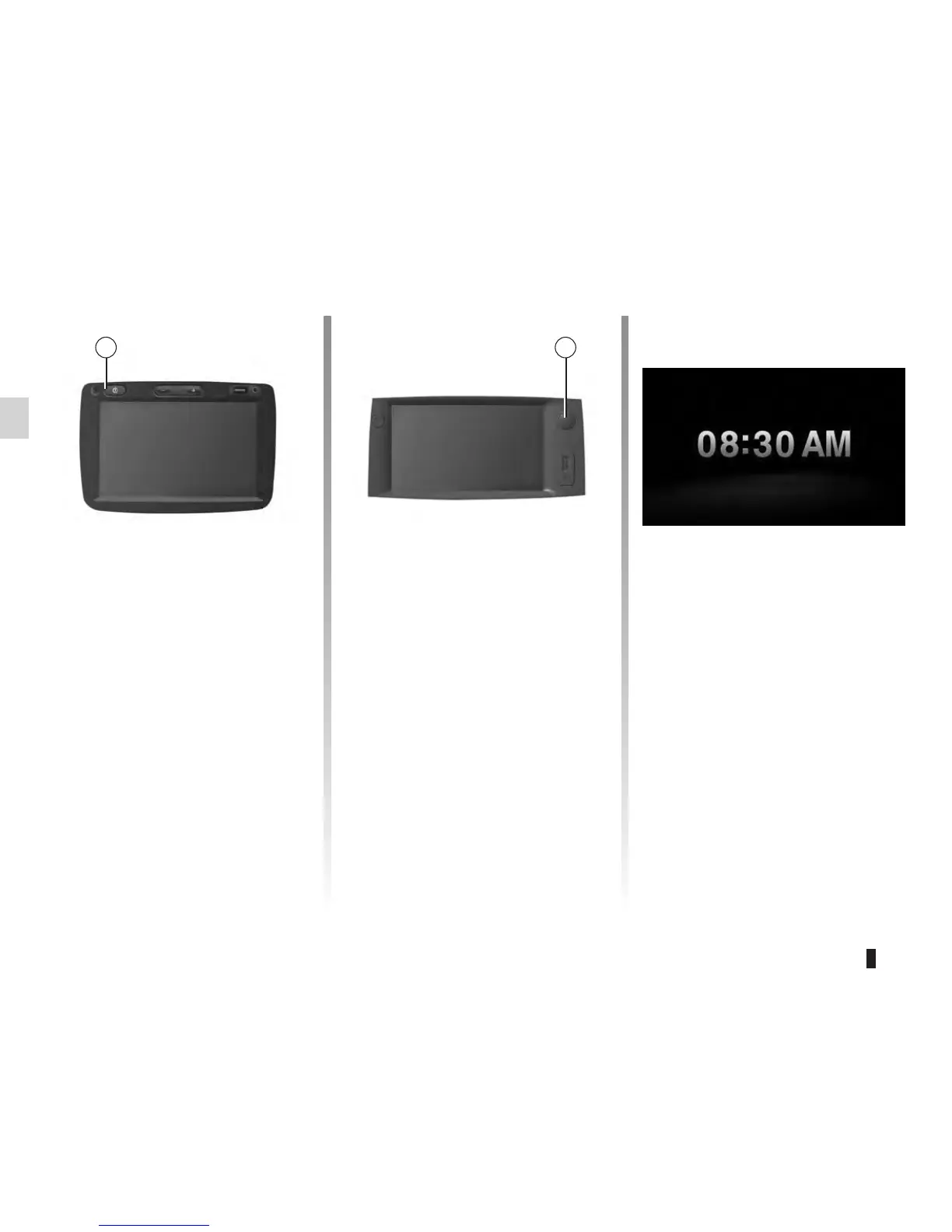
operation...............................................(up to the end of the DU)
switching off .......................................... (up to the end of the DU)
screen
monitor ............................................ (up to the end of the DU)
The multimedia system switches on au-
tomatically when the ignition is switched
on.
In other cases, press button A to switch
on the multimedia system.
With the ignition off, you can use the
system for 20 minutes.
Press A to make the multimedia system
operate for about a further 20 minutes.
The standby clock mode allows the dis-
play screen to be switched off.
When in standby clock mode, the radio
or guidance system does not operate.
Press button A to activate and briefly
press A to deactivate the standby
screen.
Any action will temporarily react-
ivate the screen.
The system switches off automatically
when the vehicle’s ignition is switched
off.









 To Next Page