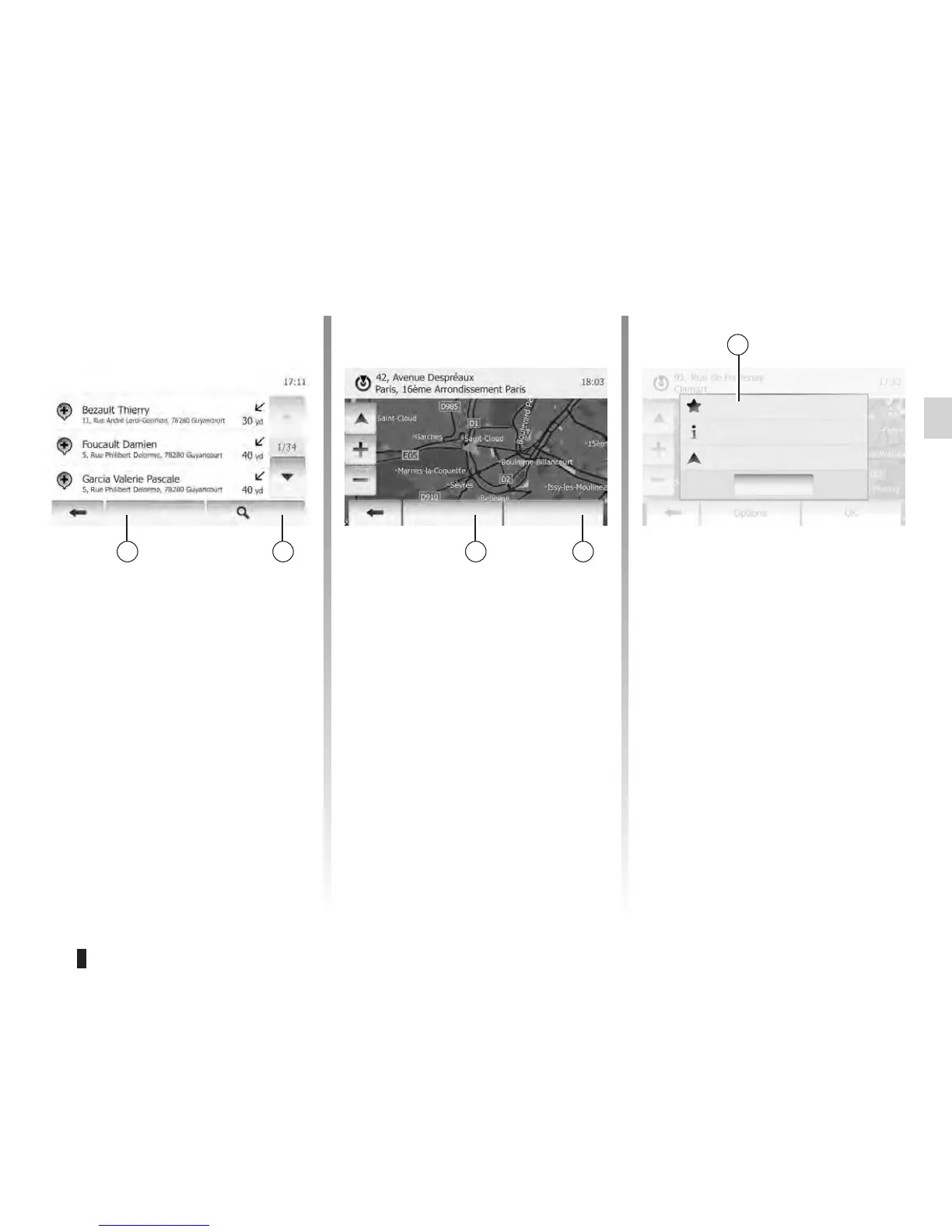
There are several possible options
before confirming a destination:
– OK;
– Add to favourites;
– Info;
– Back to Car.
The result of searching a destination by
point of interest, history and favourites
can be sorted by name and distance.
If an active route exists, they can be
sorted by detour. And they also can be
shown all on map. Tap 9.
In case of selecting a destination by
point of interest, history and favourites,
you can search for destination in the
list by their names. Tap 10 and enter
names using keyboard.
– If there is no active route (destination
is not selected), tap 12 to confirm the
destination as a new route.
– If an active route exists, you can
select the destination as a new route
or waypoint. Tap 12 and then tap
“New Route” or “Waypoint”.
Tap 11 and then tap 13 to store se-
lected destination in favourites.
Options Options
OK
Info
Close
Find
Points of Interest Found
Add to Favourites
Back to Car









 To Next Page