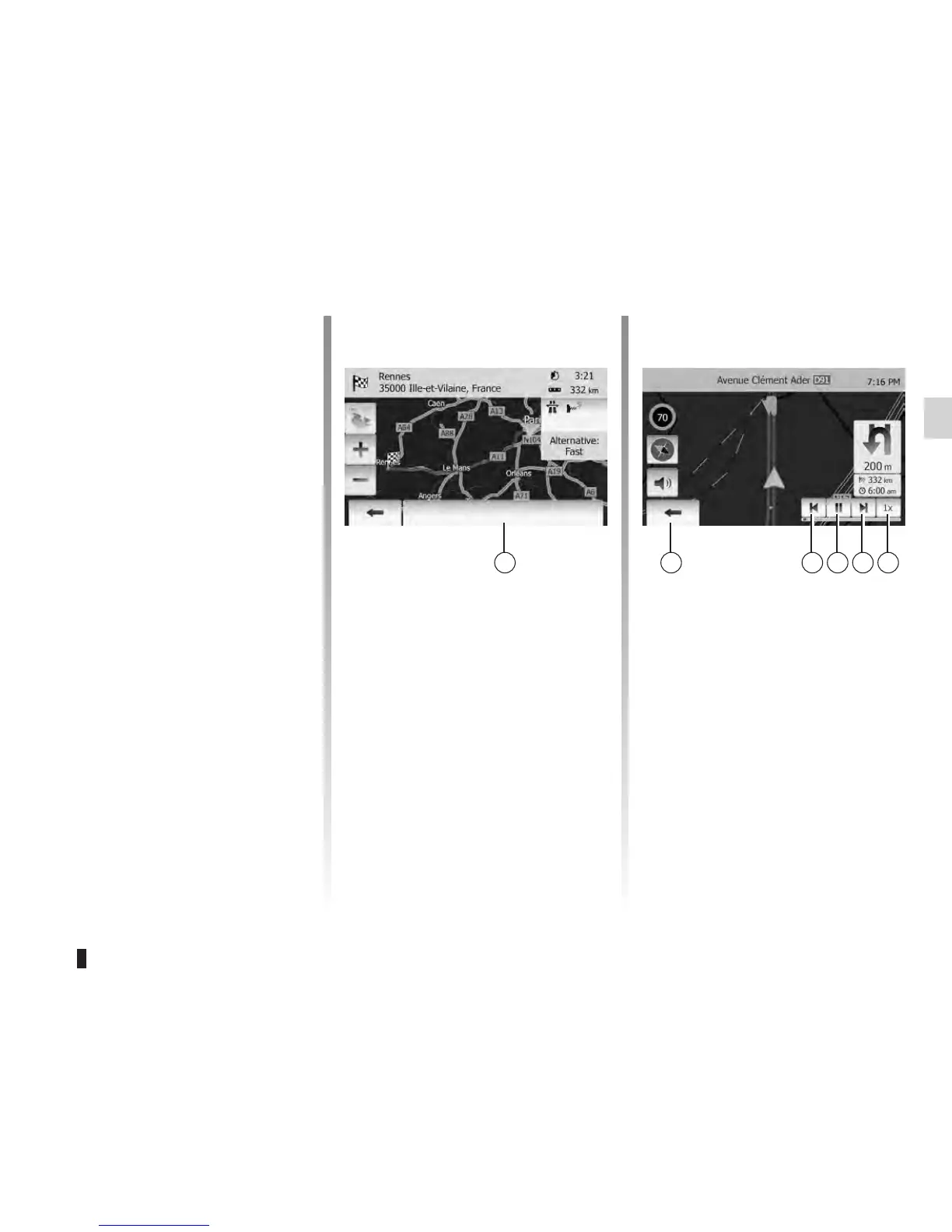
You have the following options on this
screen by pressing 5.
– Route Alternatives.
– Itinerary.
– Route settings.
: for more information, refer to the
section on next page.
– Simulate Navigation
This function allows you to quickly
view the required route.
Start or pause the simulation by
pressing 8.
Tap 10 to increase the speed of the
simulation.
You can leave the route simulation at
any given moment by pressing 6.
You can move to previous/next ma-
noeuvre by pressing 7 or 9.
This function allows you to view your
route.
Select “Home” > “Route” after having
entered a destination.
Six choices will be given:
– “Edit Route”,
– “Avoidances”,
– “Overview”,
– “Cancel Route”,
– “Route Alternatives”,
– “Itinerary”.
Tap “Home” > “Route” > “Overview” to
get a map overview of the active route.
The following information will be given:
– The name and/or address of the des-
tination;
– The total time of the route;
– The total distance of the route;
– The special points and sections
of the route (e.g. toll gates, period
charge roads, highways, etc);
– The route alternatives (e.g. Short,
Fast, Economical).
Options









 To Next Page