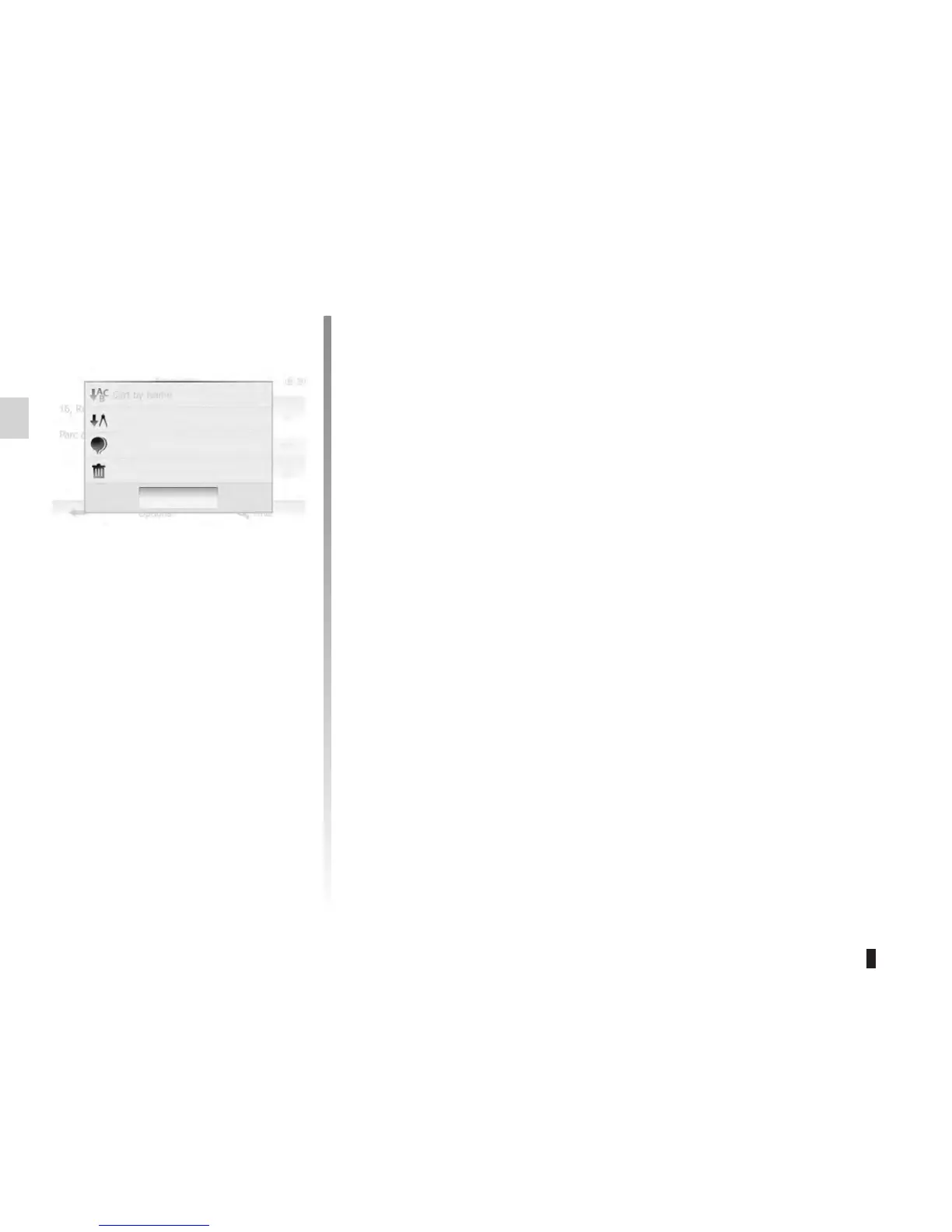
The result of saved favourites can be
sorted by name, distance, and shown
all on map. Tap “Options”.
Tap the favourite you want to delete.
Tap “Options”, “Delete Favourite” and
confrim by pressing “Delete”.
To delete all favourites, tap “Options”
and then tap “Delete all”. Confirm by
pressing “Delete all”.
This function allows you to search the
favourite in the list by its saved name.
Tap “Find” and enter the name of the
favourite by using keyboard.
Close
Delete All
Show All on Map
Sort by Distance
Sort by Name









 To Next Page